






One Helpdesk Software. Unified Support.

A multi‑channel help desk built for fast, organized, collaborative support.

Trusted by 125+ companies

A Smarter Way to Streamline Customer Service

Everything Your Team Needs to Stay Organized

Multi‑inbox email support

Connect one or multiple email addresses and manage them from a single inbox.
Social media channels

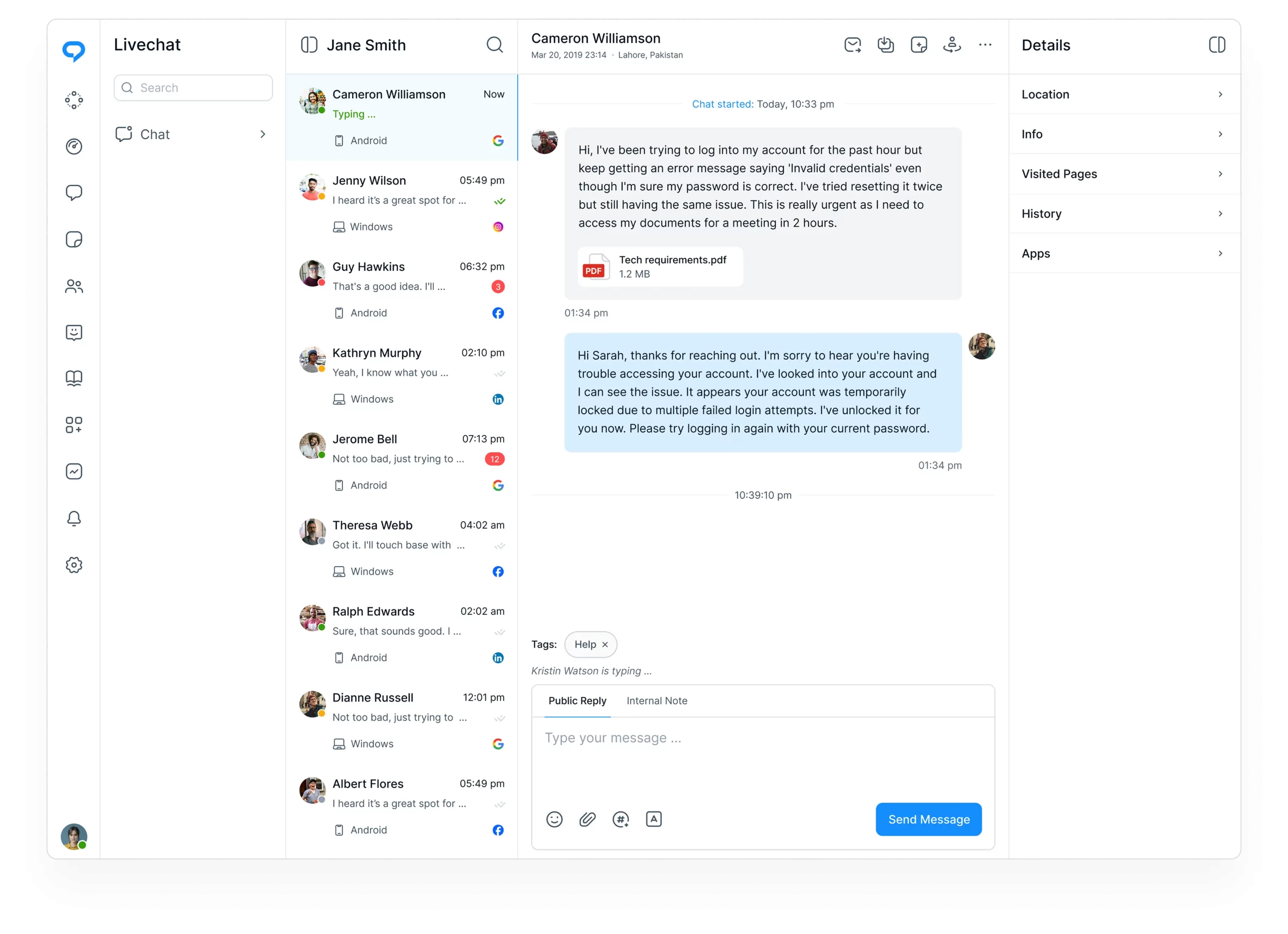
Bring Facebook, Instagram, and X messages into the same workspace as email and chat.
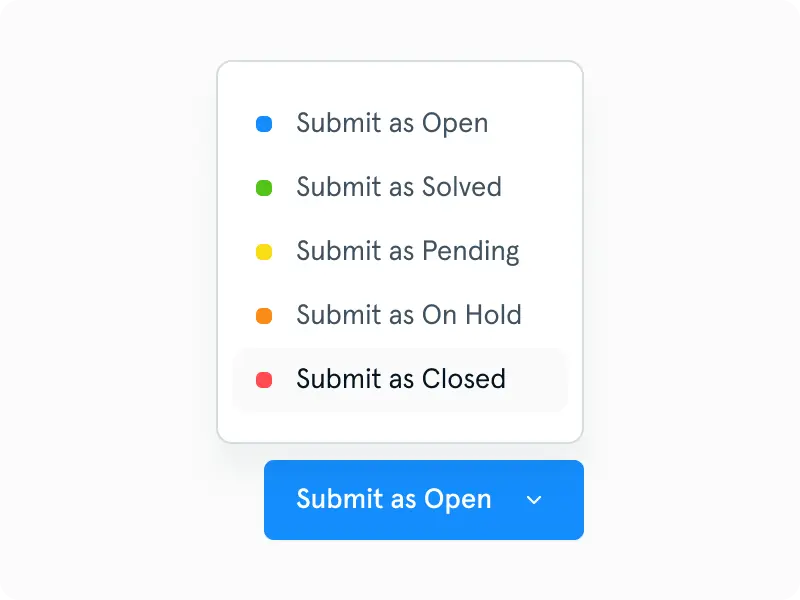
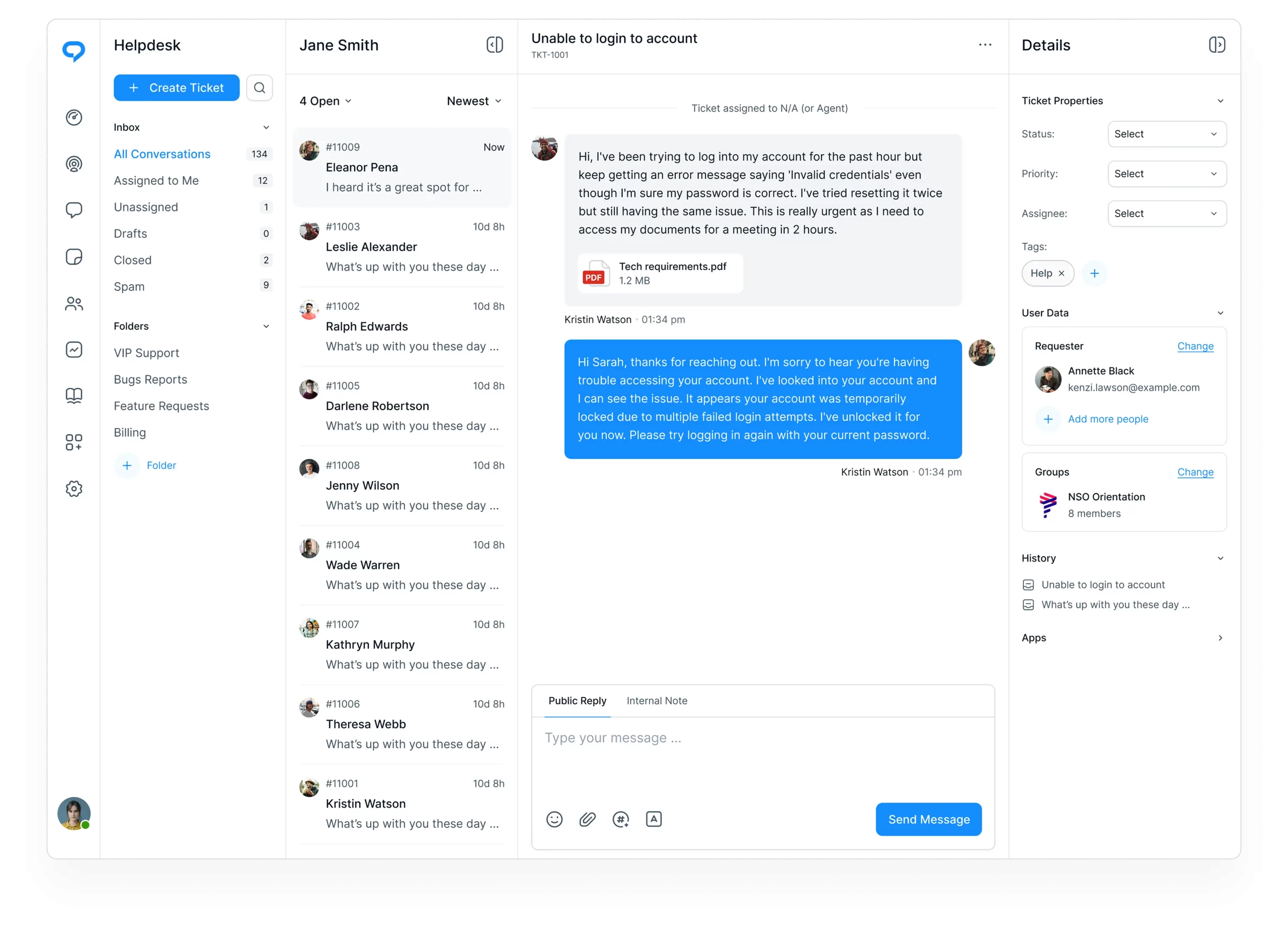
Custom folders

Create folders based on tags, status, assignment, channel, or any workflow you need.

Full 4‑pane layout

Keep filters, conversations, messages, and customer details visible in one elegant, organized view.
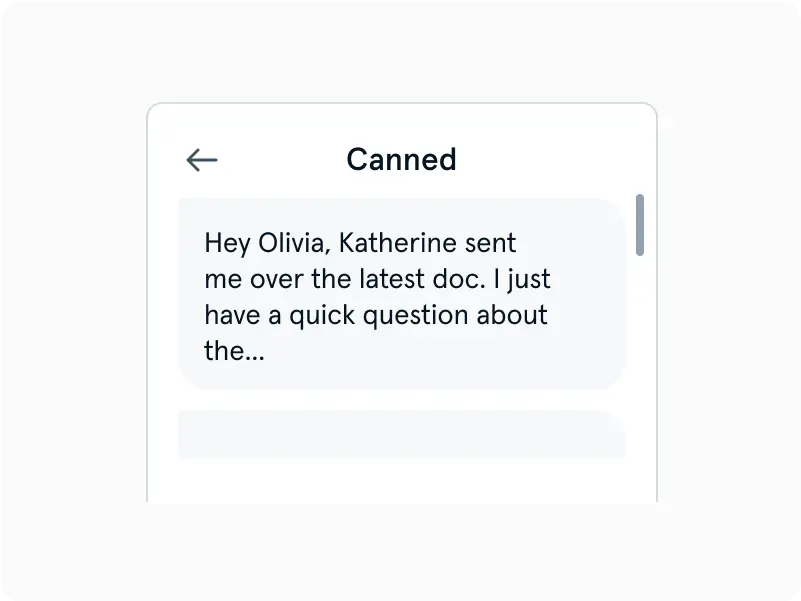
Inline audit logs

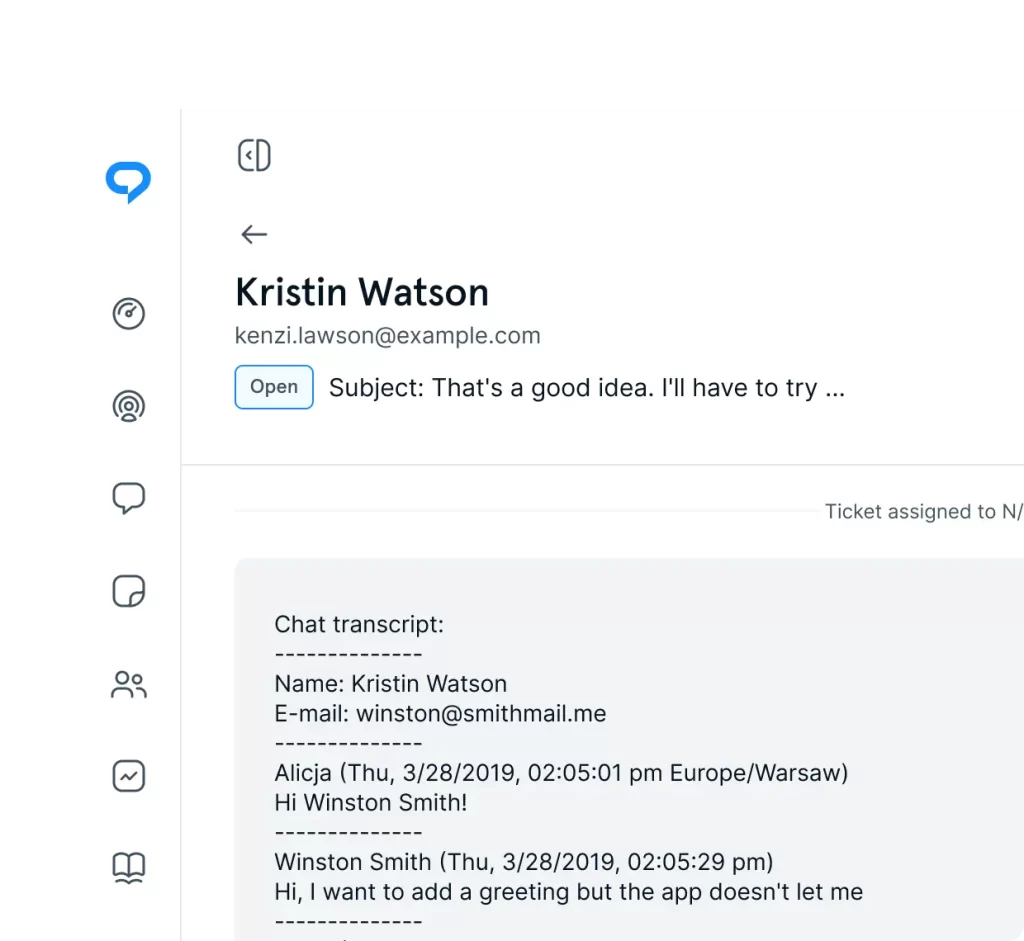
See status changes, assignments, and key events directly inside the conversation timeline.
Routing & assignment rules

Automatically direct conversations to the right people based on channel or custom conditions.

Priorities & statuses

Use clear priorities and statuses to highlight urgency and track progress at a glance.
Collaboration tools

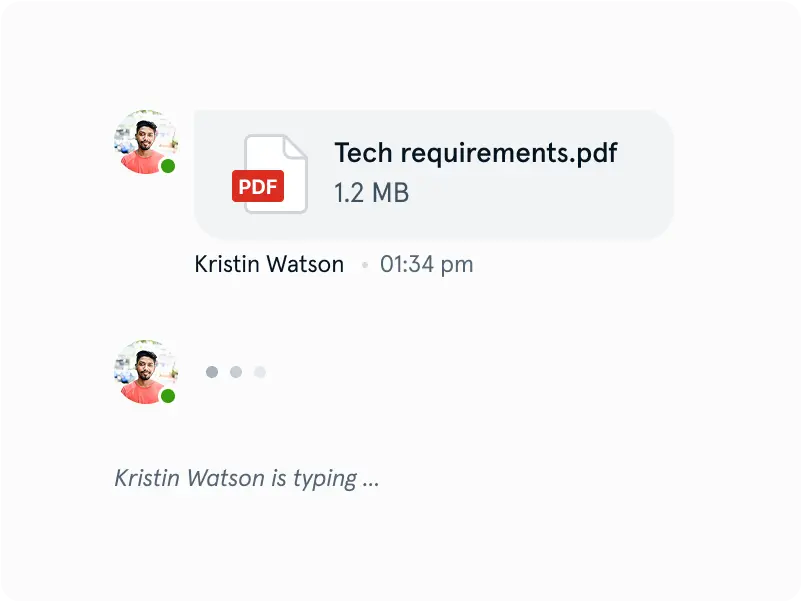
Share notes, mention teammates, and coordinate responses without leaving the conversation.

Customer sidebar

View customer details, past interactions, and connected app data alongside every message.
A Modern Help Desk for Fast, Organized Support

Unify Every Support Channel

Managing conversations across email, social platforms, and live chat becomes far easier when everything flows into one place. A unified inbox keeps communication consistent, reduces context‑switching, and ensures that every message is handled with the same level of attention and structure.

Manage Brands Without Switching

Supporting multiple brands or business lines doesn’t have to mean juggling separate tools or jumping between workspaces. A single help desk can bring all brand‑specific inboxes and channels together while still keeping conversations neatly separated, making it simple to maintain clarity and stay focused on the right audience.

Stay Organized With Folders

Custom folder views make it easy to keep conversations structured and manageable. Whether grouped by status, assignment, tag, or channel, folders create a clear way to navigate large volumes of messages and maintain a predictable workflow throughout the day.

Collaborate With Your Team

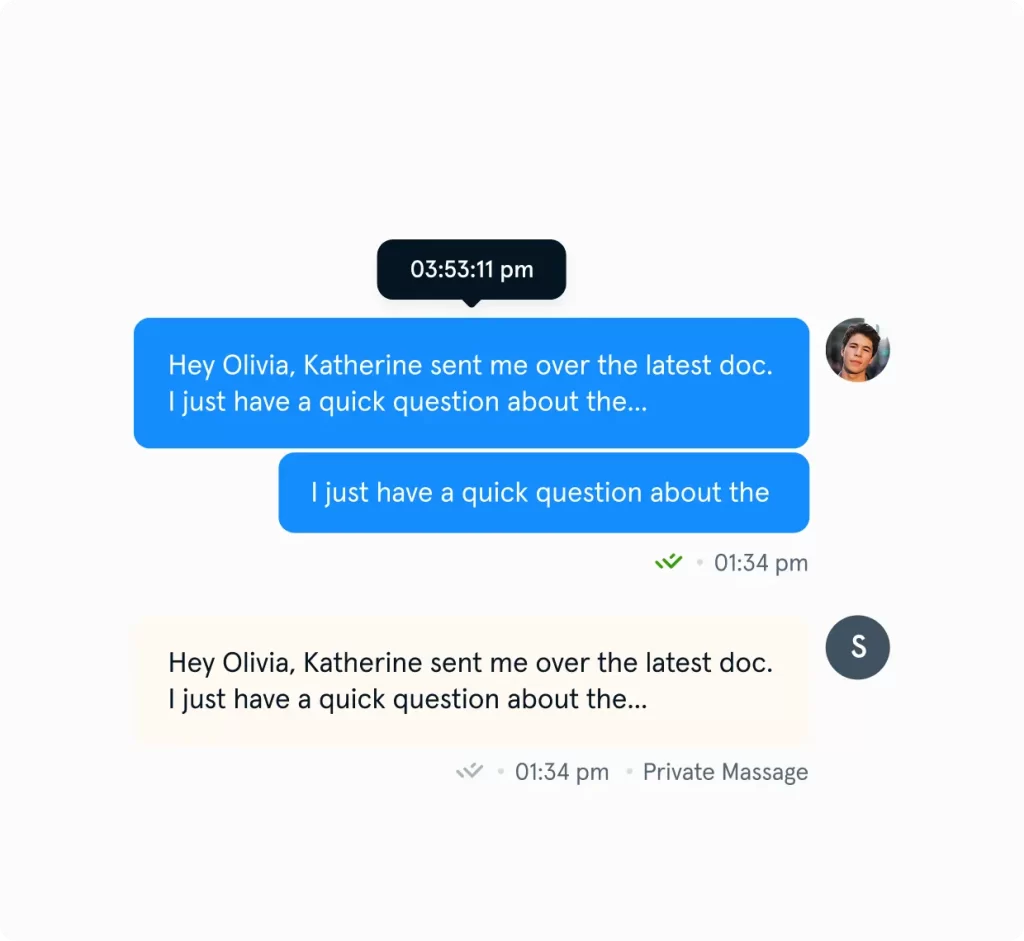
Working together on customer conversations becomes seamless when everything needed for teamwork lives inside the thread. Notes, mentions, and assignments help teams stay aligned, share context, and move work forward without relying on external tools or side conversations.

Connect With Other Platforms

A help desk becomes even more powerful when it works alongside the tools already used across the business. Integrations with CRMs, commerce platforms, and internal systems bring customer data and operational context directly into the workspace, reducing friction and improving decision‑making.

Track and Label Conversations

Tags, statuses, and priorities offer a simple way to categorize conversations and keep track of what matters most. These labels help maintain clarity across busy inboxes, highlight urgent issues, and ensure that nothing slips through the cracks.

Context at a Glance

Having customer details, past interactions, and key events visible alongside the conversation makes it easier to understand the full story behind each message. With context readily available, responses become more accurate, more personal, and more efficient.

Faster Replies With Templates

Reusable templates make it easy to respond quickly to common questions without sacrificing quality. They help maintain consistency across the team and reduce repetitive typing, especially during high‑volume periods.

Keep the Conversation Going

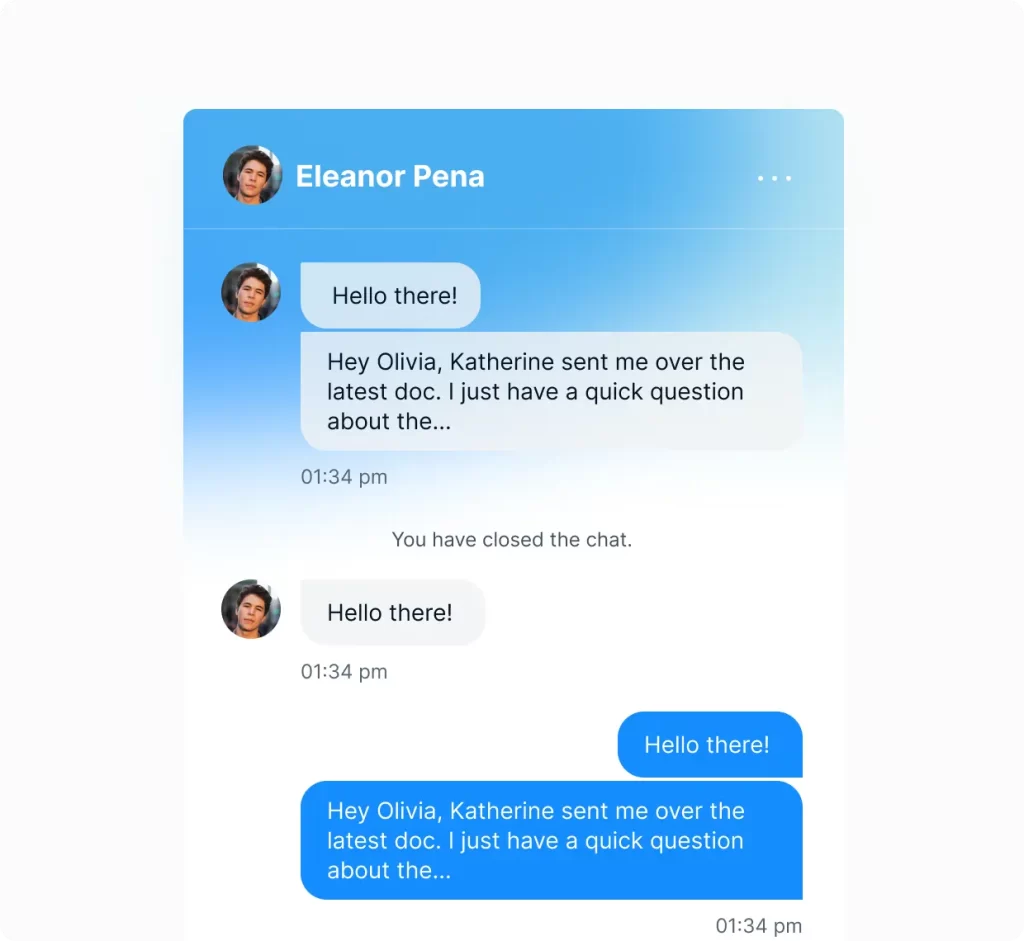
When a chat needs deeper follow‑up, it can seamlessly continue as a ticket without losing the original context. This creates a smooth transition from real‑time messaging to longer‑form support, ensuring the customer’s issue stays on track from start to finish.

Automated Assignments and Statuses

Automation keeps work moving by directing conversations to the right people and updating statuses as replies come in. With predictable routing and automatic state changes, teams spend less time managing queues and more time resolving issues.

Better Insights and Accountability

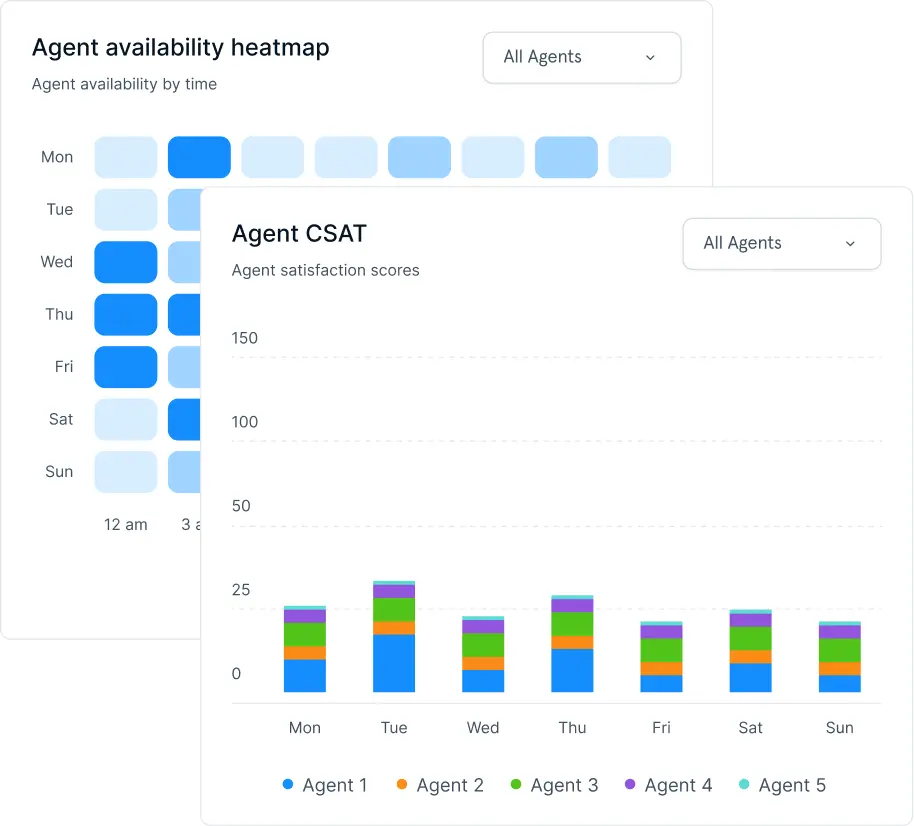
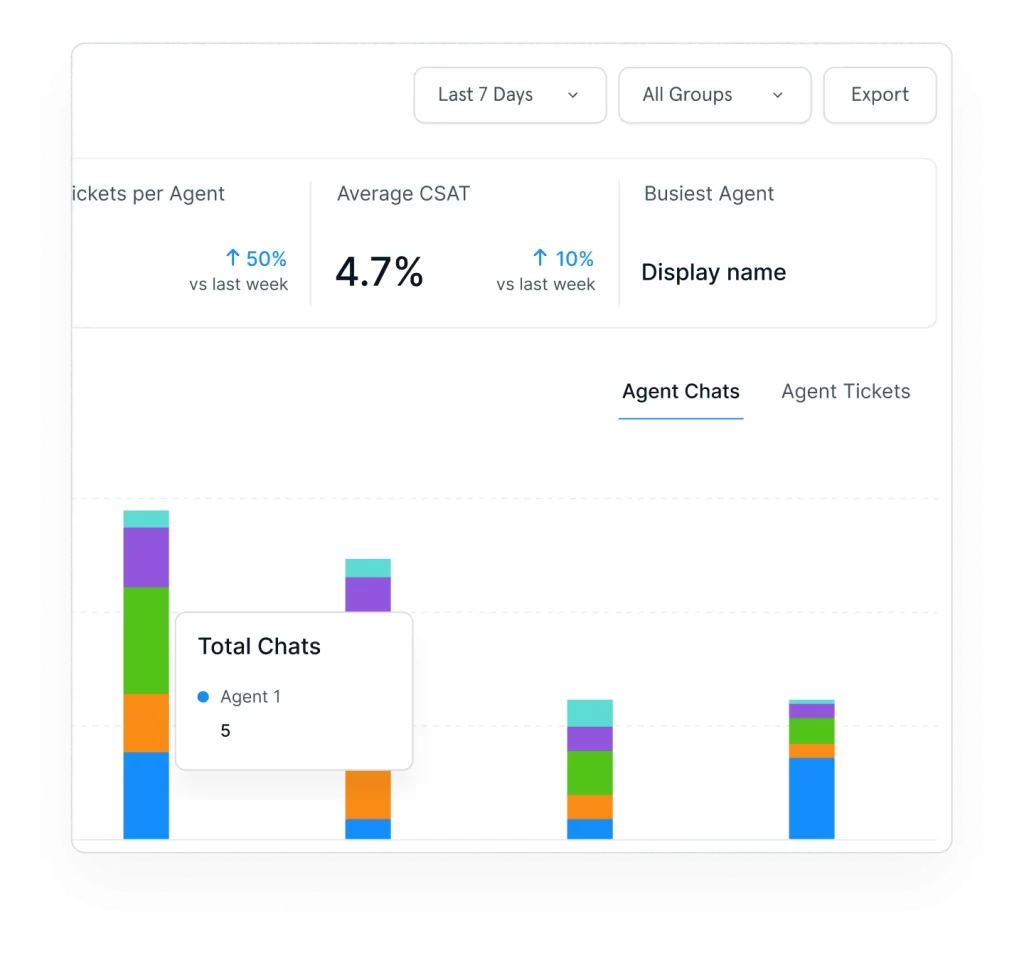
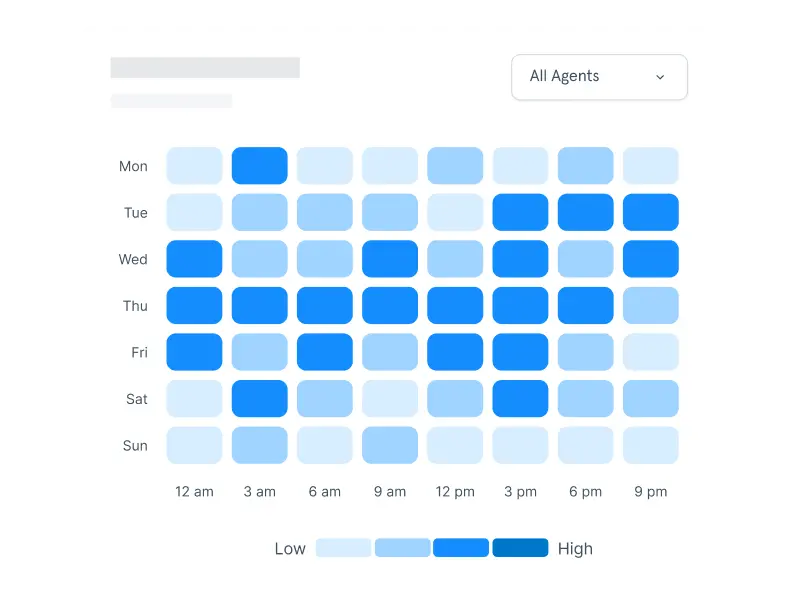
Clear reporting on satisfaction, volume, response times, and resolution trends helps teams understand performance and identify opportunities to improve. These insights create accountability and support better decisionmaking across the entire support operation.

Frequently Asked Questions

A helpdesk is a centralized system that allows businesses to manage customer support requests, track conversations, and resolve issues efficiently across multiple channels.

Helpdesk software is a platform that helps teams organize, manage, and respond to customer inquiries. It typically includes ticketing, automation, reporting, and collaboration tools.

TrustChat’s helpdesk collects customer requests from channels like email, chat, and forms, converts them into tickets, and routes them to the appropriate agents for quick resolutions.

A ticketing system focuses on managing individual support requests, while a helpdesk is a broader solution that includes ticketing, automation, reporting, and additional support tools in one platform.

Yes. A helpdesk centralizes communication, automates repetitive tasks, and allows agents to manage multiple requests efficiently, reducing workload and improving performance.

Yes. The helpdesk brings together email, live chat, and other channels into a single unified inbox, allowing teams to manage everything in one place.

Yes. You can automate ticket routing, responses, status updates, and workflows to streamline support operations and increase productivity.

Yes. The helpdesk is designed for quick setup with minimal technical effort, allowing teams to start managing support requests almost immediately. Setup assistance is also available.

Yes. You can track key metrics such as response times, resolution rates, and agent performance to gain insights and improve your support strategy.

Yes. The platform is built to scale with your business, supporting both small teams and large support operations without added complexity. It is also suitable for solopreneurs.