Deliver exceptional support across every channel with tools that keep your team organized, responsive, and focused, without the clutter or complexity of traditional helpdesk software.
Free to sign up
Set up in minutes
Advanced reporting
Trusted by 125+ companies
Focus on Improving Customer Experience
Give your team the tools to support customers with confidence. TrustChat blends automation with personal care, helping you handle more conversations without losing the human touch.
Step 1
Engage
Step 2
Respond
Step 3
Nurture
Step 4
Improve
Step 1
Engage
Step 2
Respond
Step 3
Nurture
Step 4
Improve
See what matters at a glance
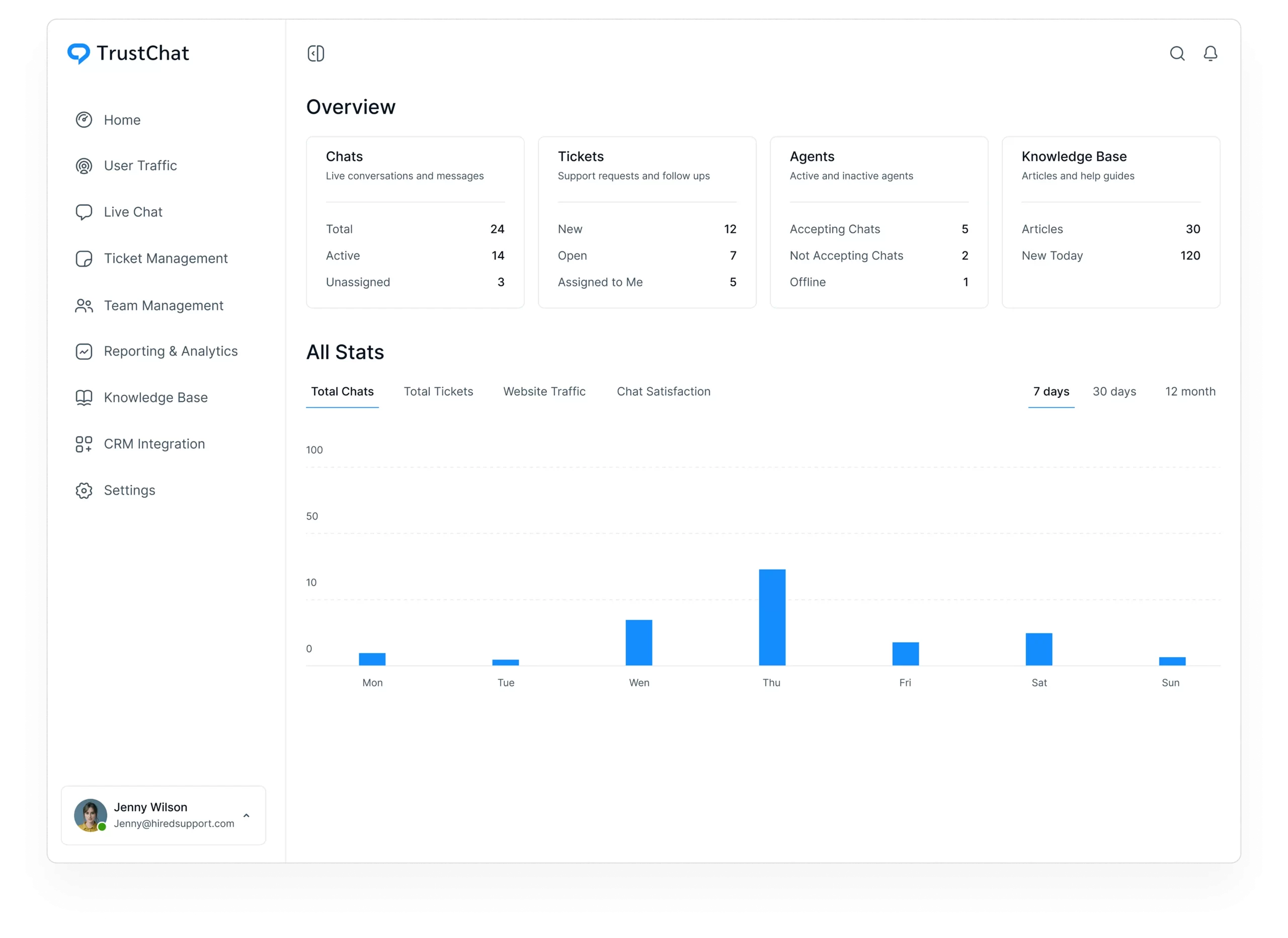
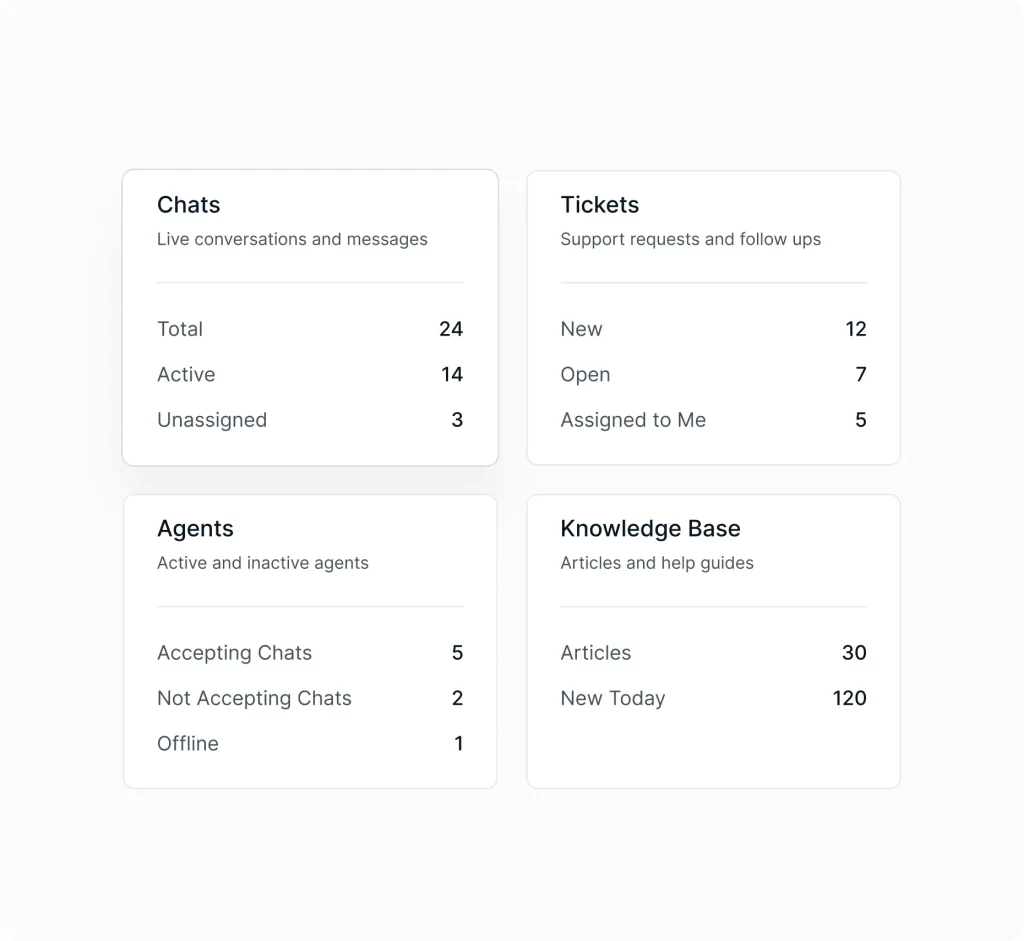
No need to dig through menus to understand what’s happening. Gain instant visibility into the health of your support operations with the Dashboard. See online agents, open chats, pending tickets, satisfaction trends, and conversation volume at a glance
Understand customers in real time
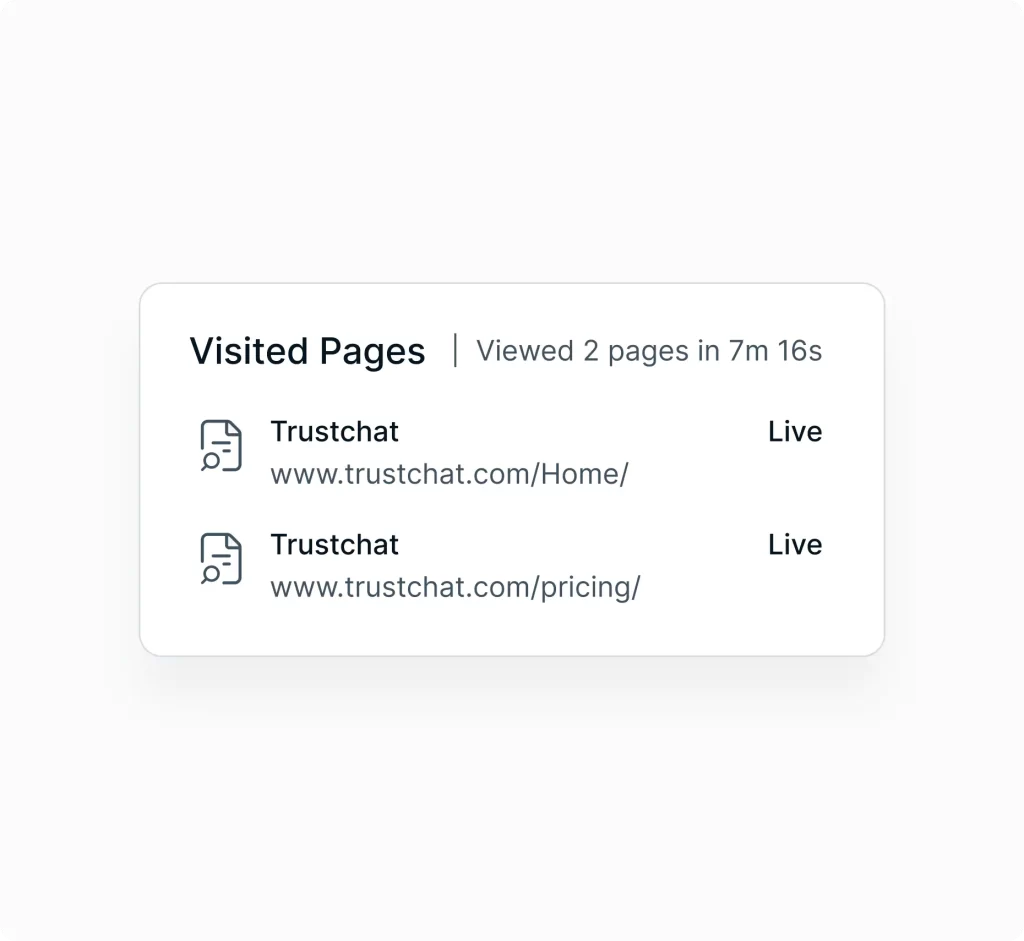
Great support starts before a customer even asks for help. User Traffic shows who’s browsing, which pages they’re viewing, and where they may be struggling.
Proactively start conversations, offer timely guidance, and resolve issues before they escalate.
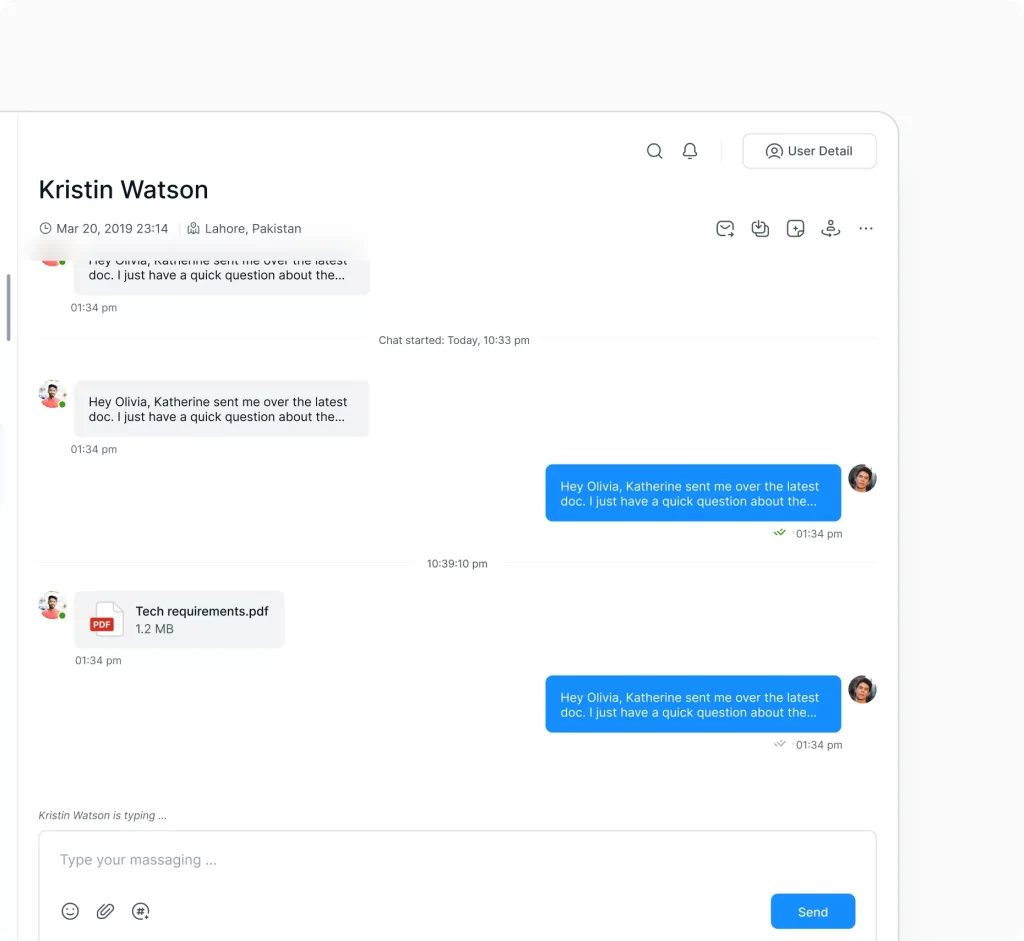
Real-time live chat support
Quickly set up and customize the TrustChat widget for your brand.
Respond instantly with shortcuts, transfer chats smoothly, and access past conversations for context‑rich support.
Keep conversations moving, even after hours
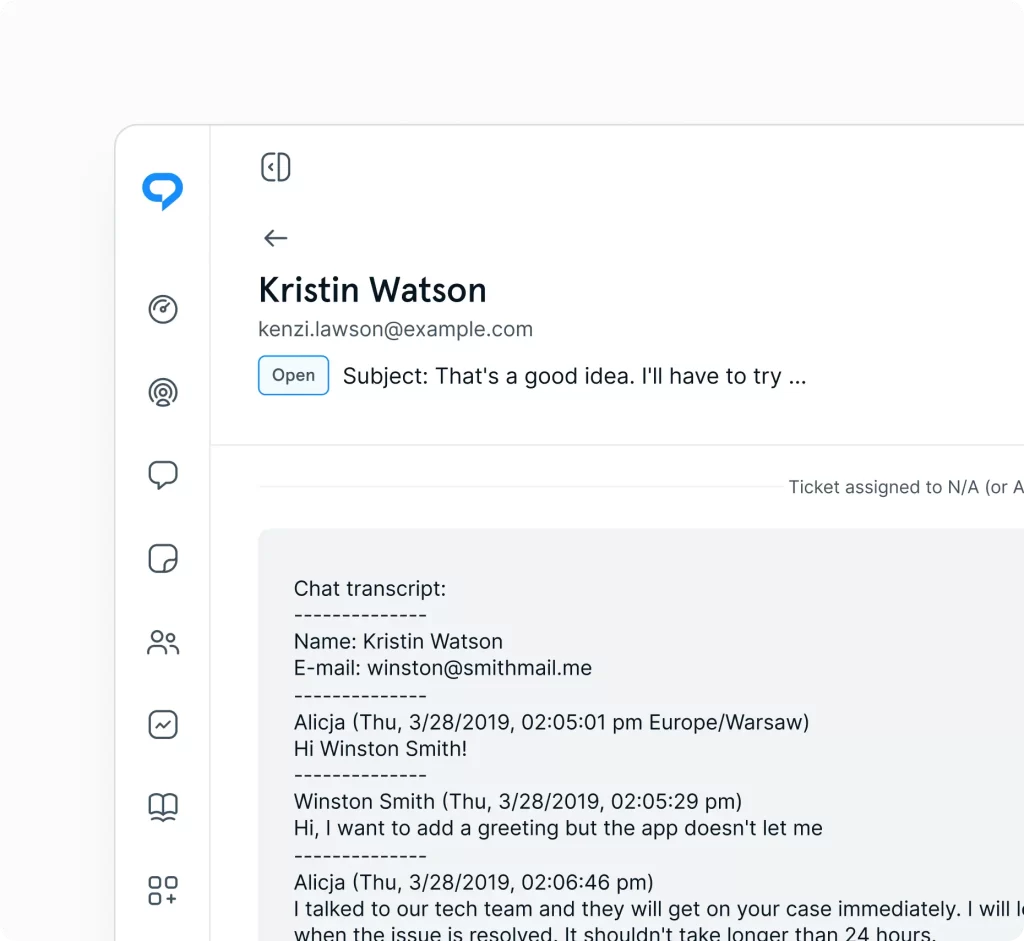
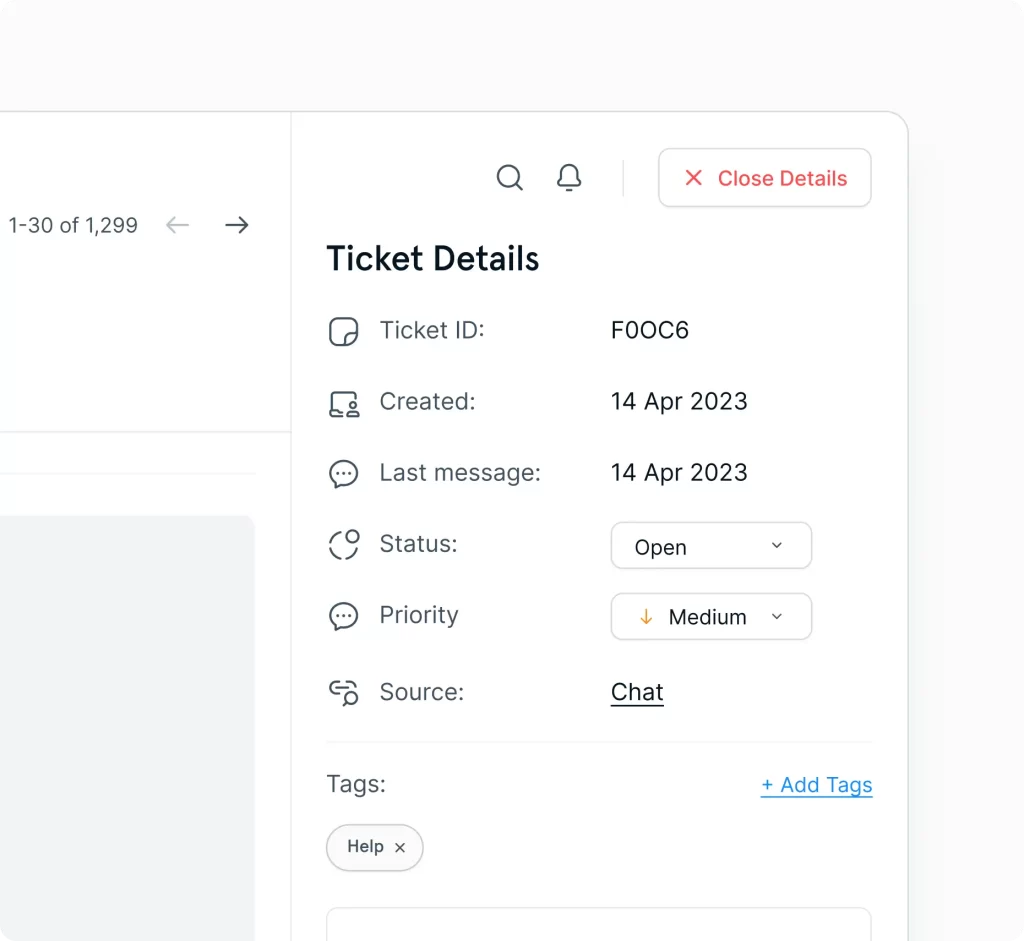
Tickets make it easy to follow up, stay organized, and keep conversations moving even outside business hours. A simple, structured way to manage longer‑form support without the complexity of a full helpdesk.
Support every channel from one workspace
Email, tickets, and social come together in a single, unified workspace. Automations streamline repetitive tasks, while routing rules ensure conversations reach the right people.
Empower customers to help themselves
Reduce repetitive questions with clean, searchable articles that give customers instant answers. A well‑organized knowledge base frees your team to focus on complex issues while customers get clarity on their own.
Manage customers, agents, and teams effortlessly
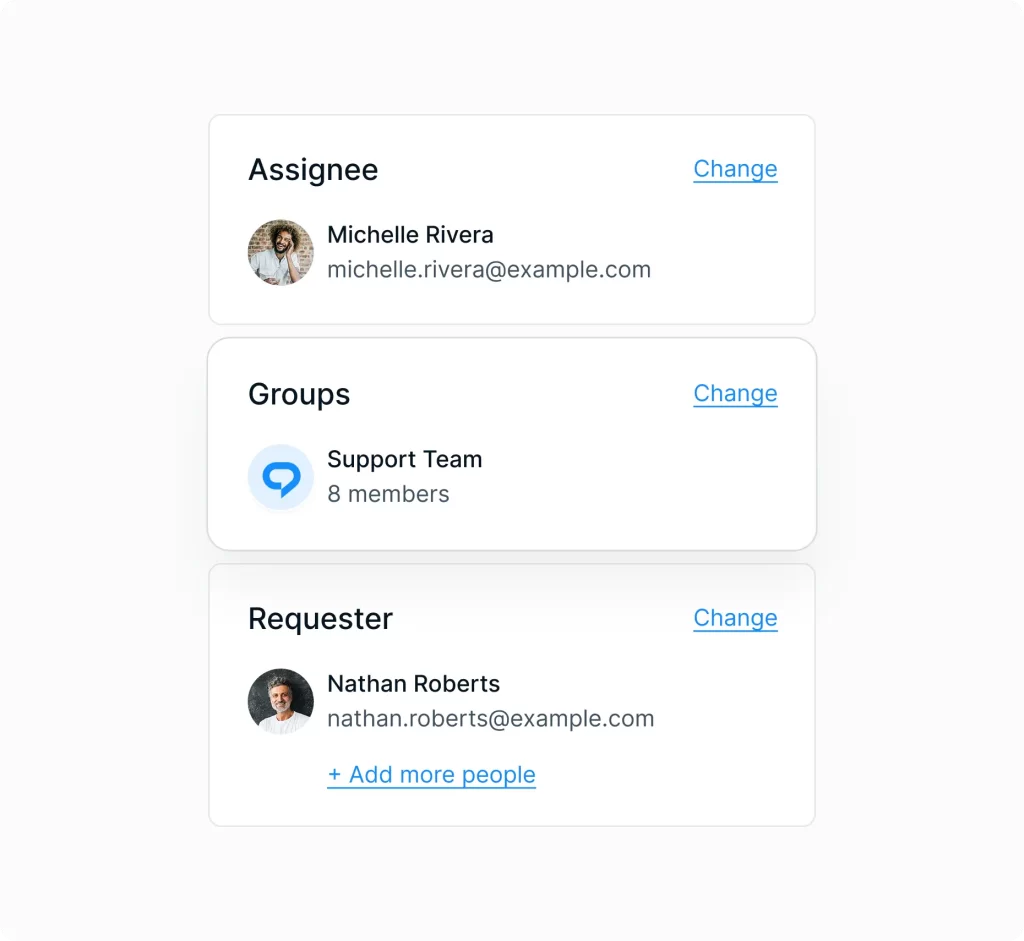
Keep your support organization structured and scalable. Manage customers, agents, and teams in one place, assign roles and permissions, and use Groups to support multiple brands or websites from a single workspace.
Improve support with real insights
Track response times, resolution rates, agent performance, and customer satisfaction. Spot trends, identify bottlenecks, and make informed decisions that elevate your support experience.
Never miss a customer message
Stay responsive with real‑time alerts for new chats, tickets, replies, and mentions. Notifications ensure fast follow‑ups and consistent customer experiences across your entire support team.
Connect TrustChat to the tools you already use
Link your existing platforms to streamline workflows and reduce manual work. Integrations keep your support ecosystem connected, efficient, and easy to manage.
“TrustChat gives our team the flexibility to create support workflows that actually fit the way we operate instead of forcing us into rigid systems. As we’ve grown, the platform has scaled effortlessly with us while still feeling intuitive, modern, and easy for both our agents and customers.”