Engage prospects instantly, qualify leads faster, and keep your sales pipeline moving with tools built for service‑based businesses and high‑intent inquiries.
Free to sign up
Set up in minutes
Advanced reporting
Trusted by 125+ companies
Focus on Improving Customer Experience
Give your team the tools to support customers with confidence. TrustChat blends automation with personal care, helping you handle more conversations without losing the human touch.
Step 1
Engage
Step 2
Respond
Step 3
Nurture
Step 4
Improve
Step 1
Engage
Step 2
Respond
Step 3
Nurture
Step 4
Improve
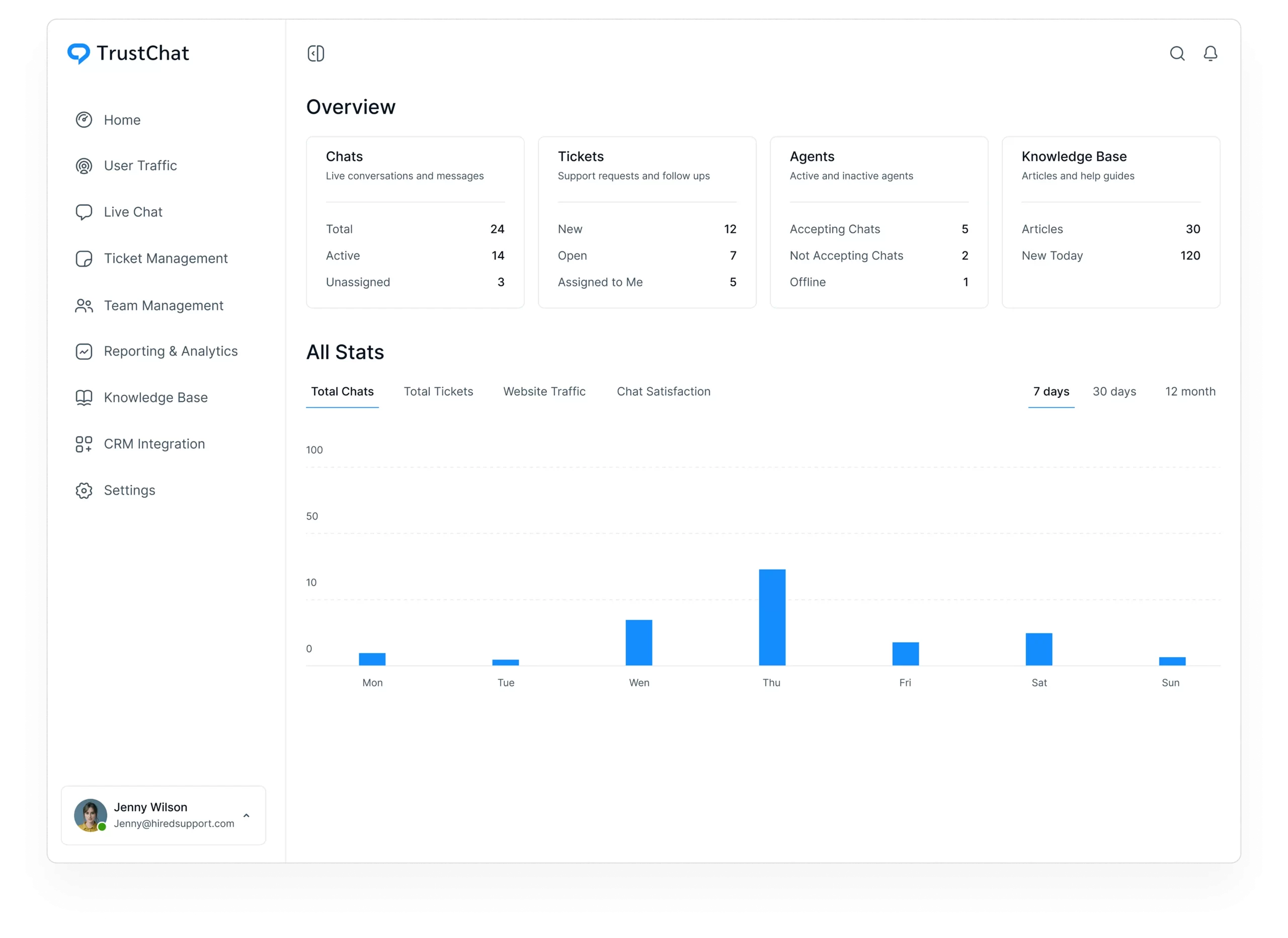
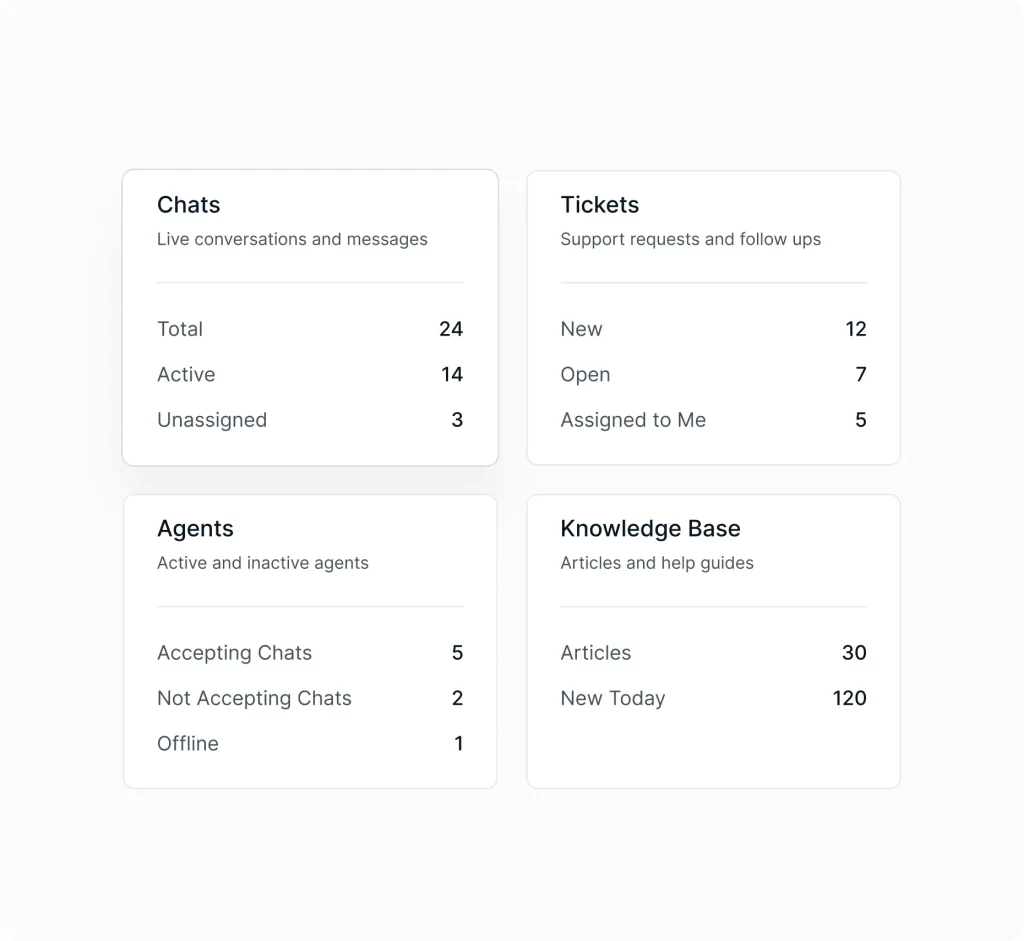
See your sales activity at a glance
Track incoming leads, open conversations, pending follow‑ups, and satisfaction trends in one clean view. A quick snapshot of your sales pipeline that keeps teams aligned and focused.
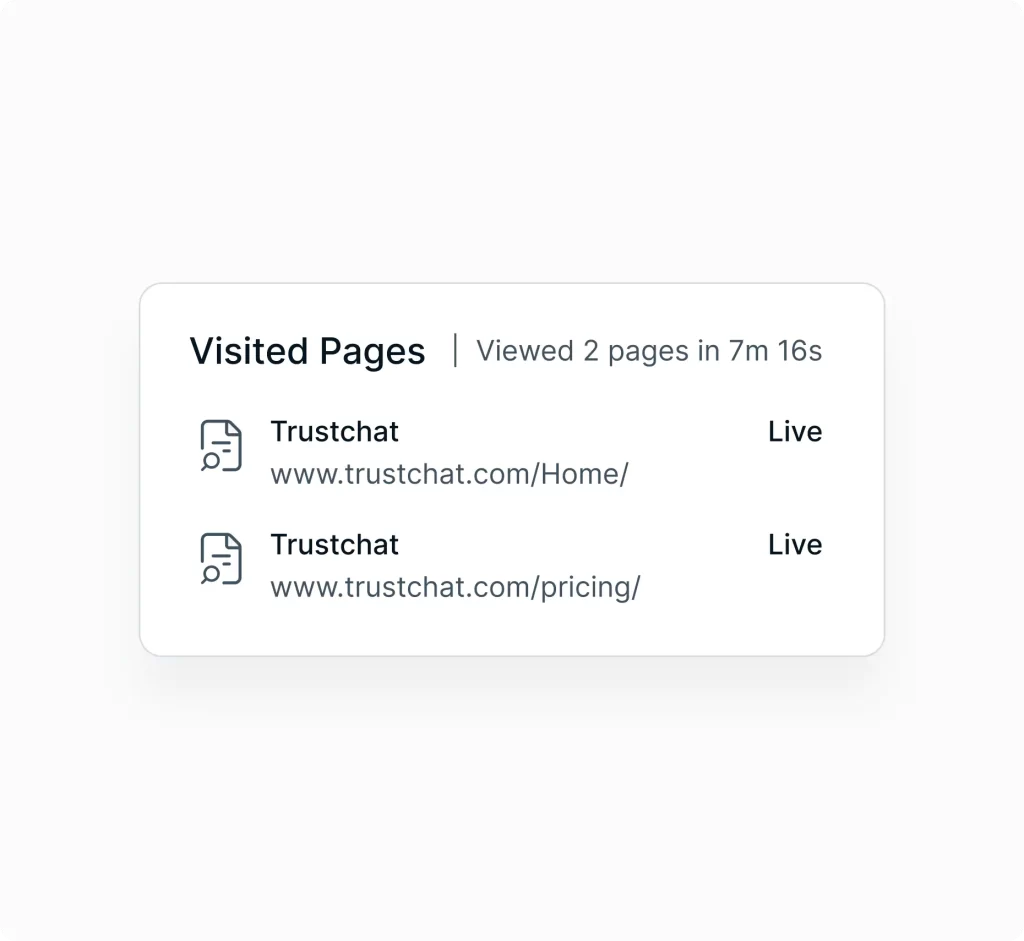
Identify high‑intent prospects in real time
See who’s browsing your site, which services they’re exploring, and where they may be hesitating. Start timely conversations, answer questions early, and guide prospects toward booking or consultation requests.
Engage prospects the moment interest peaks
Customize the TrustChat widget for your brand and respond instantly when prospects reach out. Use shortcuts for consistent messaging, transfer chats smoothly, and reference past conversations to maintain context throughout the sales cycle.
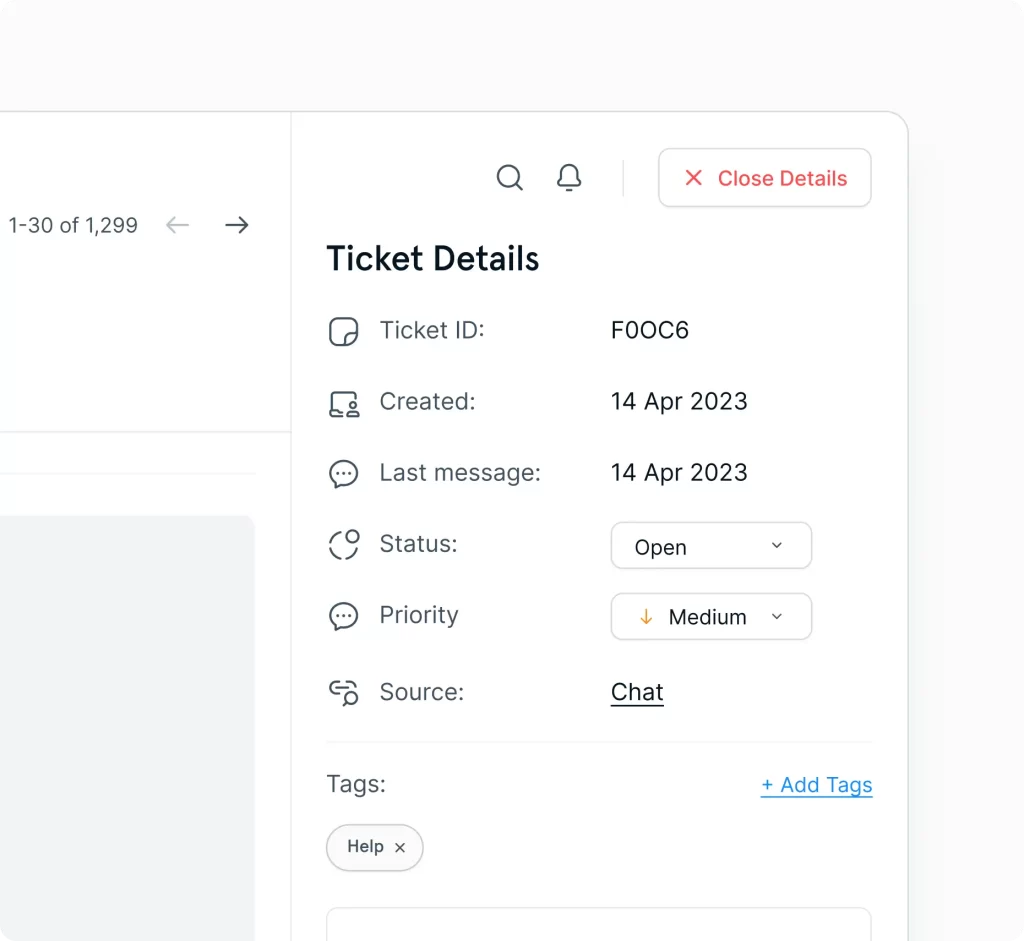
Keep leads warm with structured follow‑ups
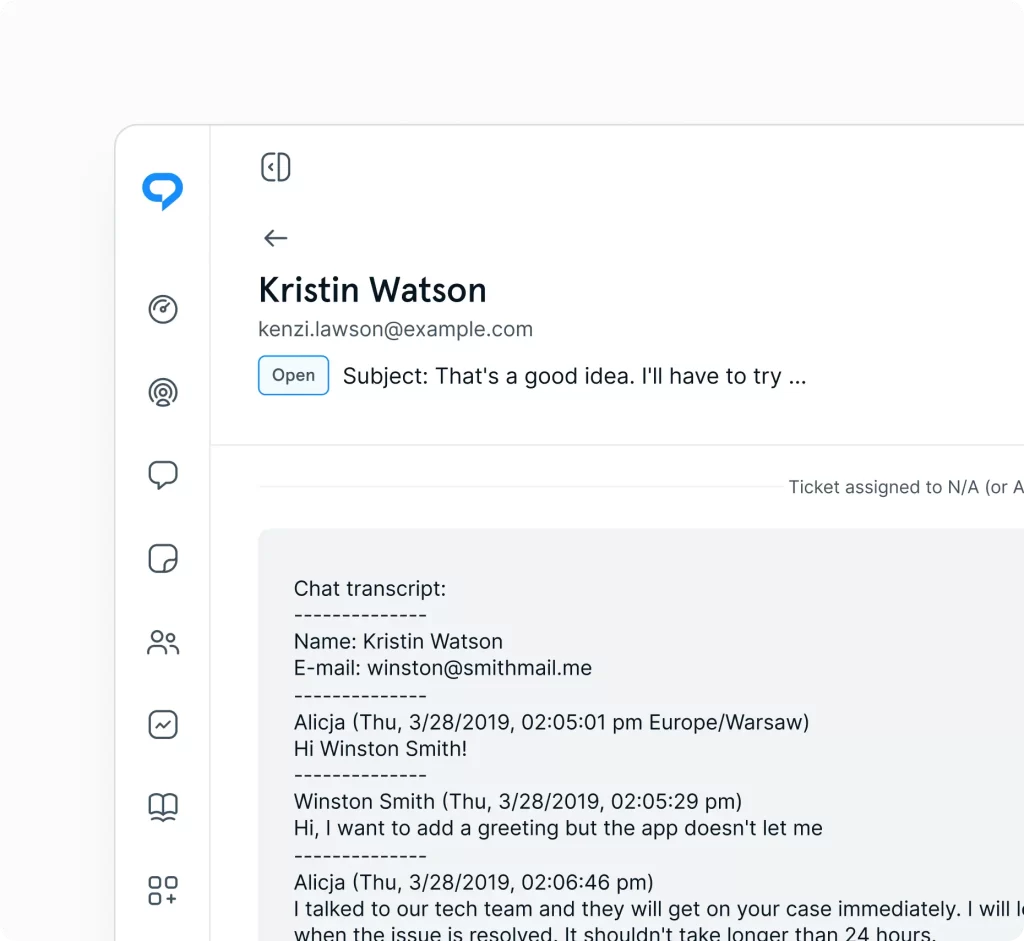
Sales conversations often continue beyond the first interaction. Tickets keep follow‑ups organized, track ongoing discussions, and ensure every lead receives timely attention, even outside business hours.
Manage all sales inquiries from one place
Bring email, tickets, and social media inquiries into a single inbox. Automations handle repetitive tasks, while routing rules direct inquiries to the right sales reps or teams based on expertise or service type.
Organize sales teams and service lines
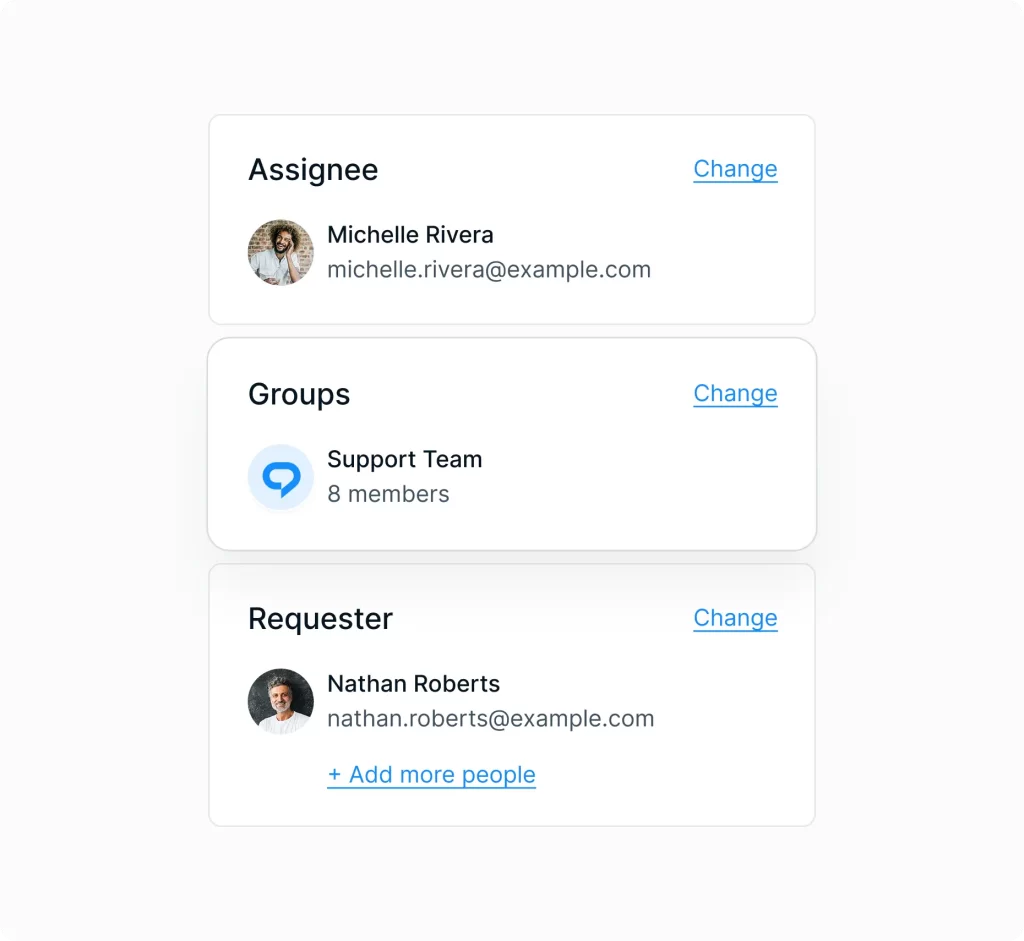
Manage sales reps, service teams, and departments in one place. Assign roles and permissions, structure teams by expertise, and use Groups to support multiple brands or service lines from a single workspace.
Keep messaging consistent across the sales team
Publish clear, searchable articles that help prospects understand your services. Perfect for pricing explanations, service breakdowns, onboarding steps, and qualification criteria, ensuring consistent communication across the entire sales team.
Improve conversion with real insights
Track response times, resolution rates, agent performance, and customer satisfaction. Spot trends, identify bottlenecks, and make informed decisions that elevate your support experience.
Respond instantly to high‑value leads
Real‑time alerts ensure no lead goes unanswered. Stay on top of new chats, follow‑ups, replies, and mentions, especially during peak inquiry hours.
Connect TrustChat to your sales ecosystem
Link your CRM, scheduling tools, and marketing platforms to streamline workflows. Integrations keep lead data consistent, reduce manual work, and support a smooth handoff from marketing to sales.
“TrustChat gives our team the flexibility to create support workflows that actually fit the way we operate instead of forcing us into rigid systems. As we’ve grown, the platform has scaled effortlessly with us while still feeling intuitive, modern, and easy for both our agents and customers.”