Unify communication, streamline workflows, and support customers at scale with tools built for multi‑team, multi‑brand, and high‑volume environments.
Free to sign up
Set up in minutes
Advanced reporting
Trusted by 125+ companies
Focus on Improving Customer Experience
Give your team the tools to support customers with confidence. TrustChat blends automation with personal care, helping you handle more conversations without losing the human touch.
Step 1
Engage
Step 2
Respond
Step 3
Nurture
Step 4
Improve
Step 1
Engage
Step 2
Respond
Step 3
Nurture
Step 4
Improve
Clear visibility across teams and operations
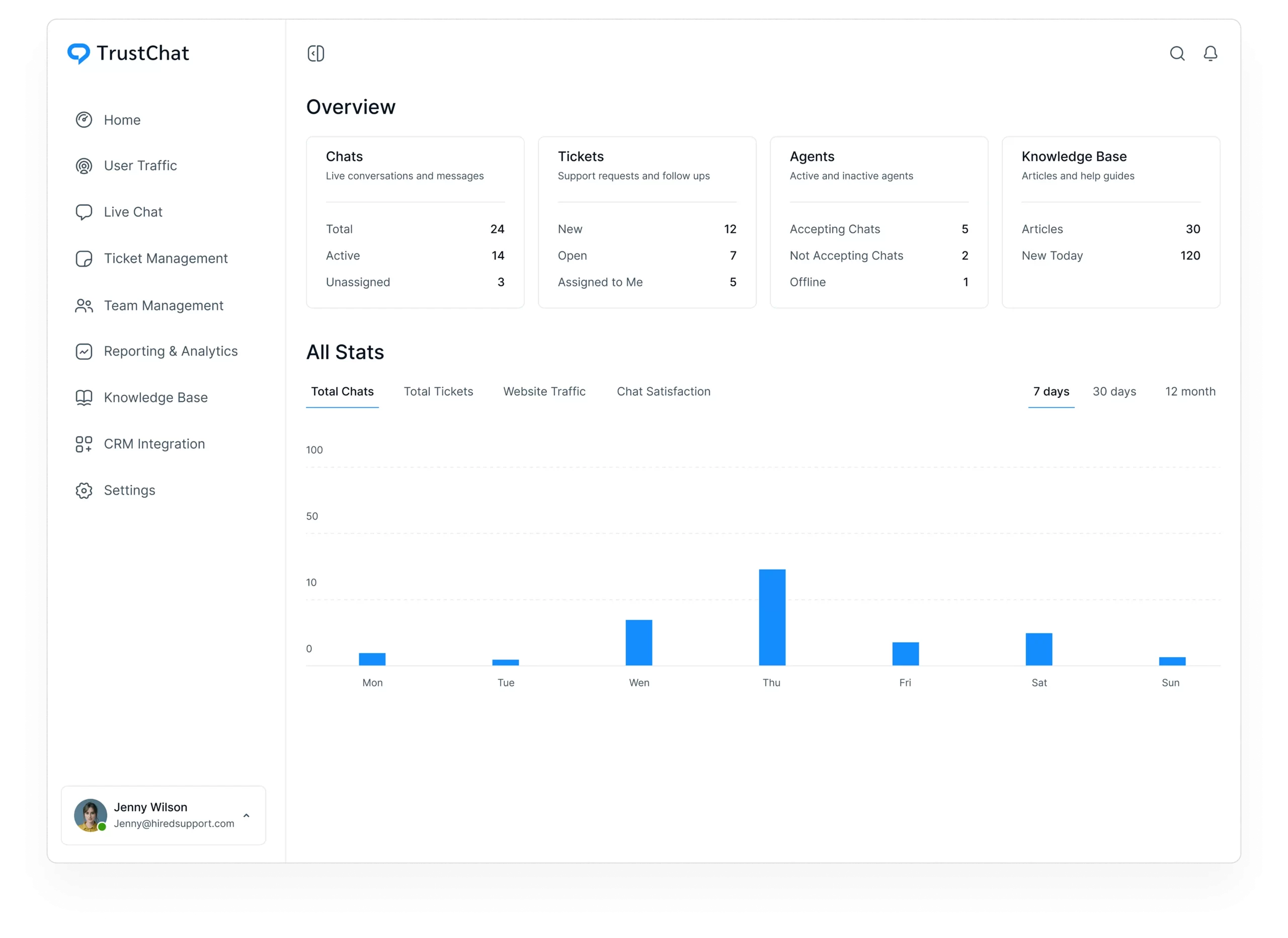
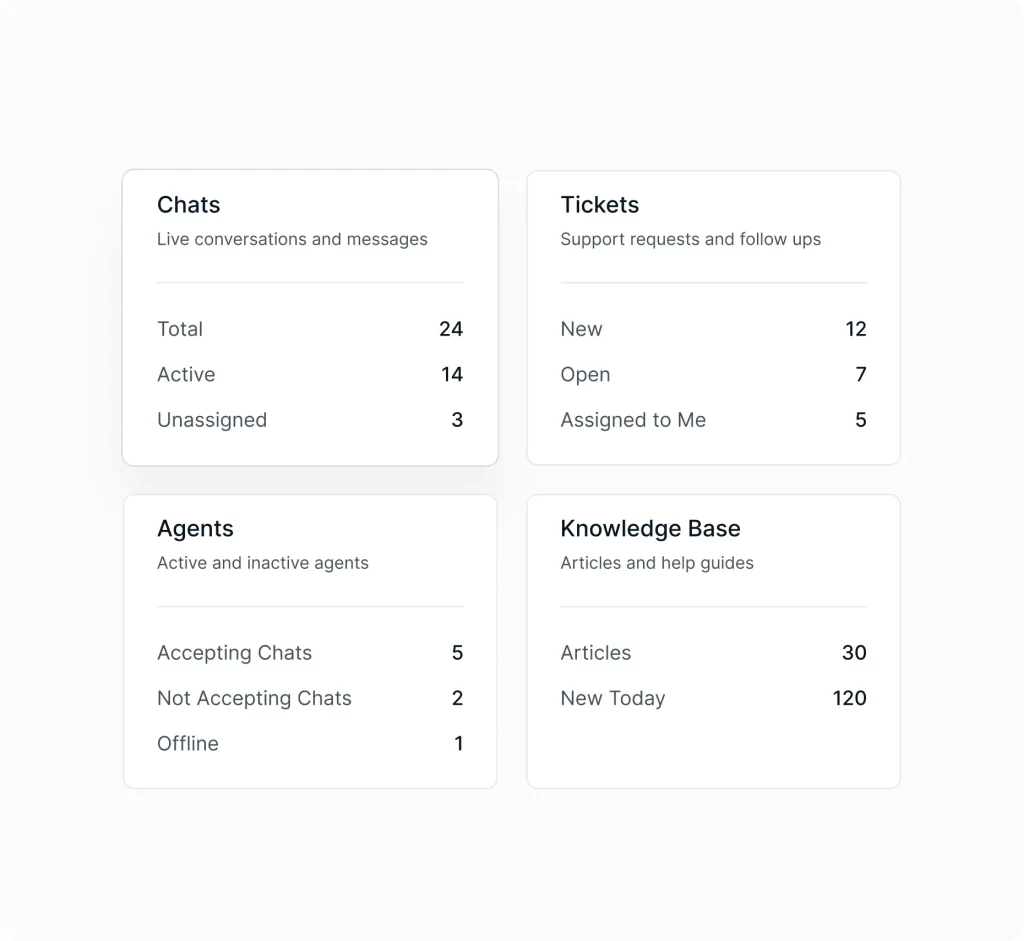
See the health of your support organization at a glance. Monitor online agents, open chats, pending tickets, satisfaction trends, and conversation volume, all in one unified view that keeps large teams aligned.
Understand customer activity across your digital footprint
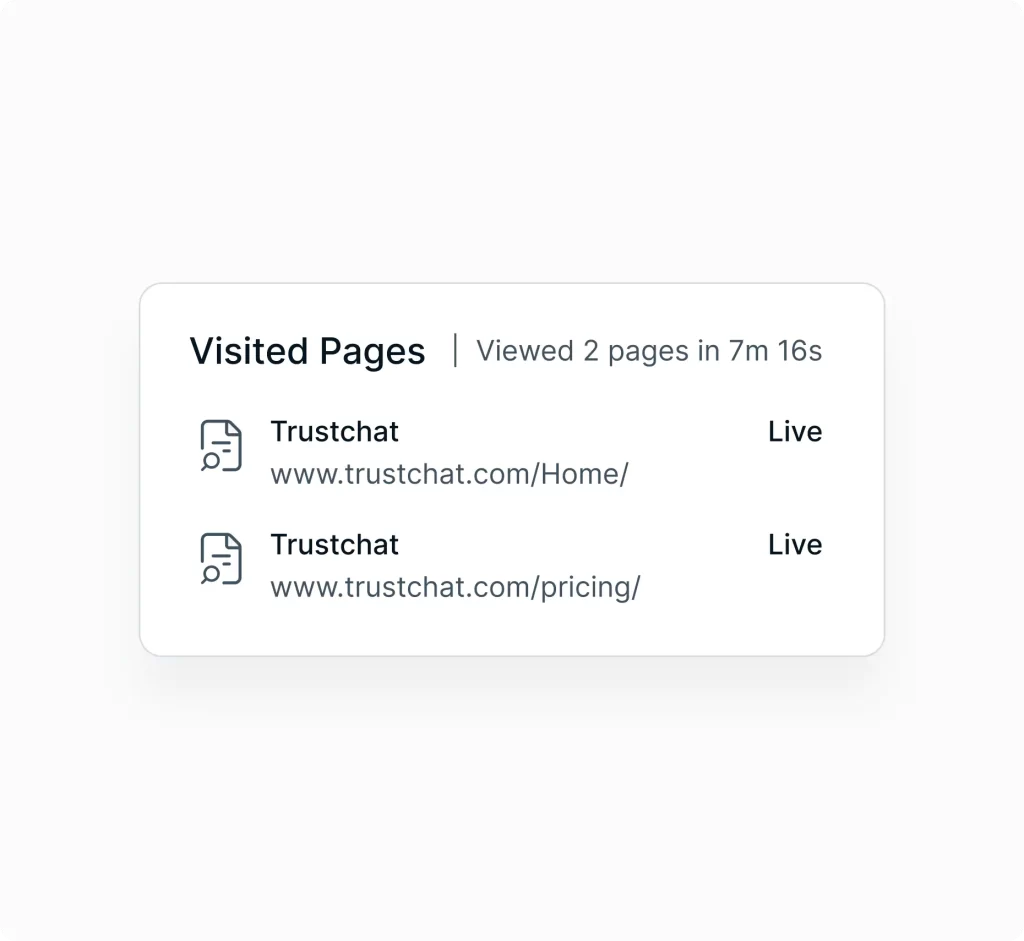
Track visitors across multiple sites, portals, or product pages. See where customers are spending time, where they’re getting stuck, and where proactive support can prevent escalations.
Real‑time support for high‑stakes environments
Customize the TrustChat widget for each brand or business unit. Provide instant answers, use shortcuts for consistent responses, transfer chats smoothly, and reference past conversations to maintain continuity across teams.
Keep complex issues organized and traceable
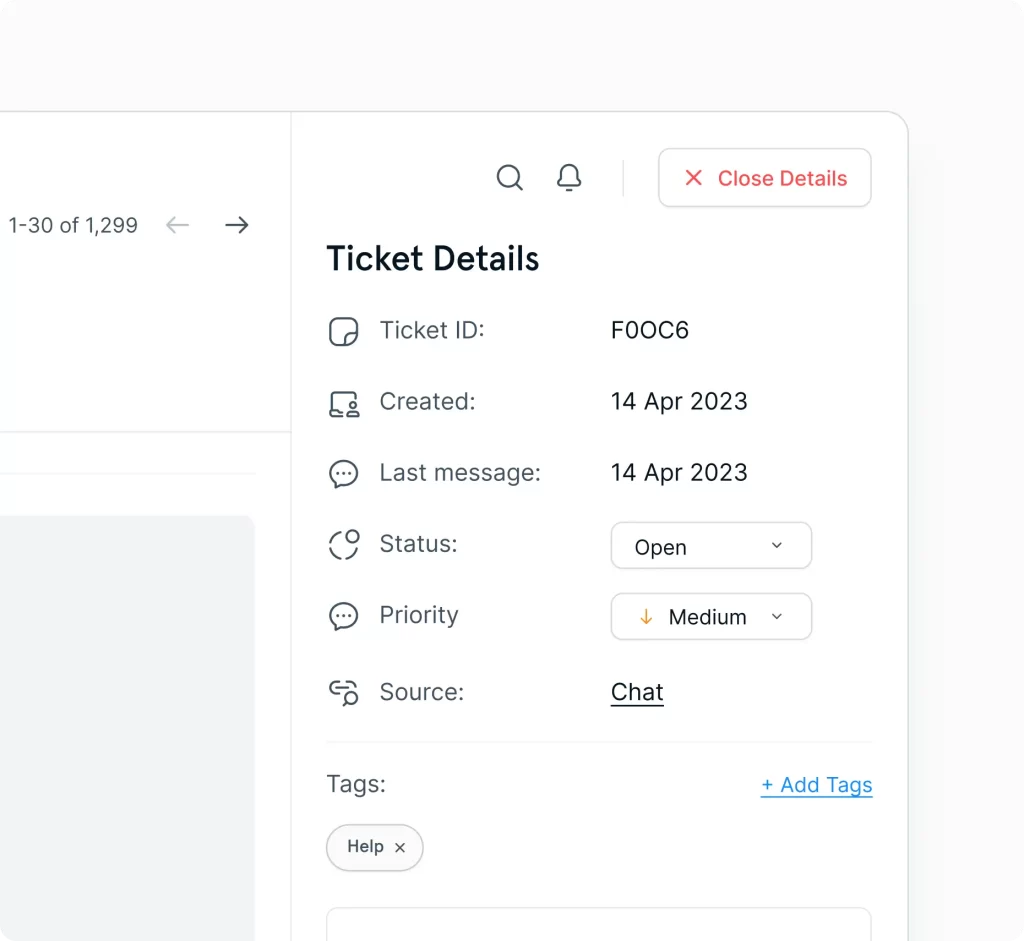
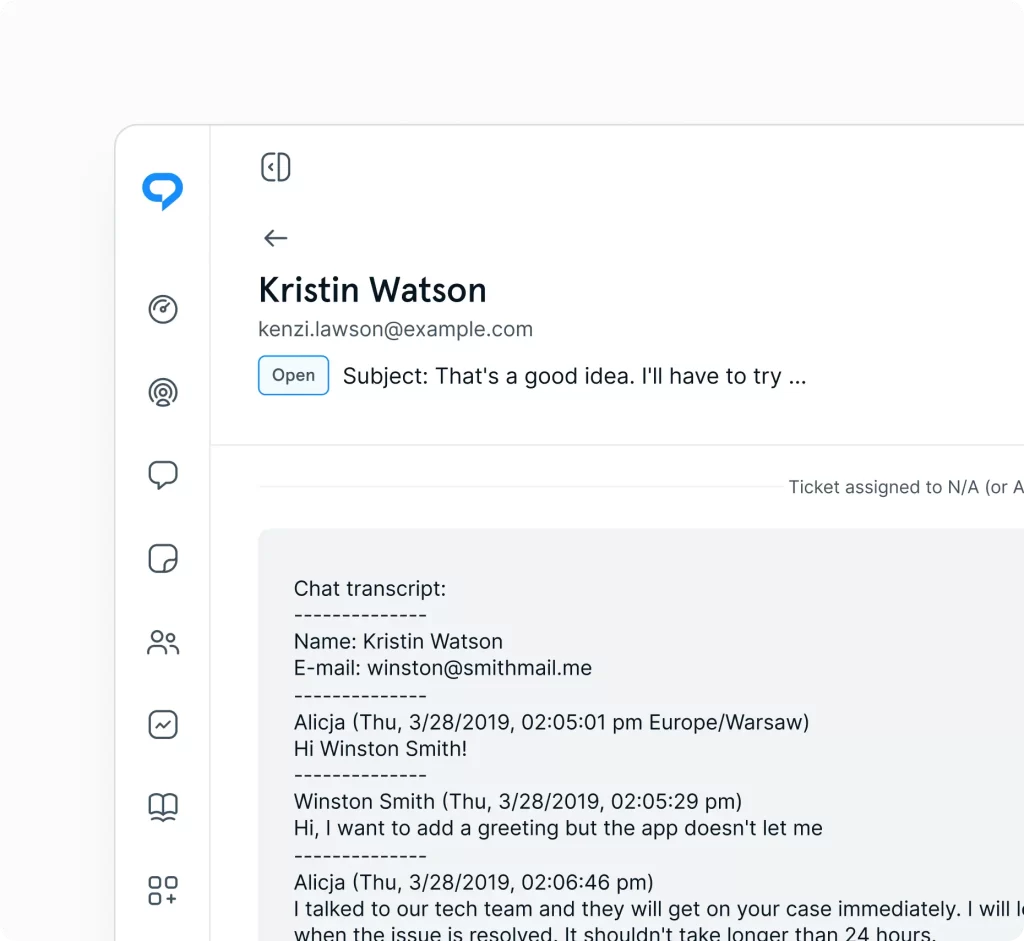
Enterprise issues often span multiple teams, departments, or time zones. Tickets keep every detail organized, track progress over time, and ensure nothing gets lost, even when handling long‑running or multi‑step requests.
Centralize communication across channels and departments
Bring email, chat, social, and tickets into one structured workspace. Automations handle repetitive tasks, routing rules direct conversations to the right teams, and workflows stay consistent across departments and brands.
Manage large teams and multiple brands with ease
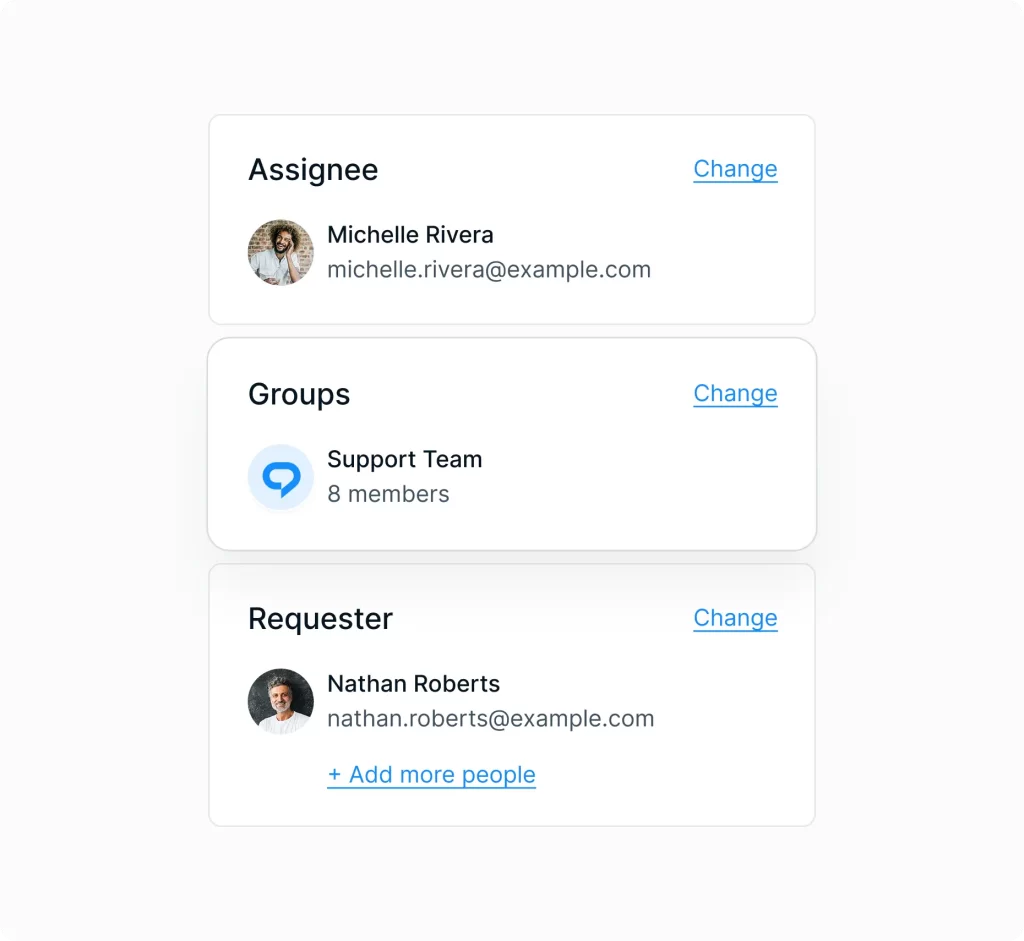
Organize agents, teams, and departments in one place. Assign roles and permissions, manage access levels, and use Groups to support multiple brands, regions, or business units from a single workspace.
Standardize information across the organization
Publish clear, searchable articles that keep information consistent across teams and regions. Perfect for compliance guidelines, product documentation, internal SOPs, and customer‑facing FAQs.
Enterprise insights for continuous improvement
Track performance across teams, channels, and brands. Analyze response times, resolution rates, satisfaction scores, and conversation trends to guide strategic decisions and improve operational efficiency.
Stay responsive across distributed teams
Real‑time alerts keep large teams aligned, even across time zones. Stay on top of new chats, tickets, replies, and mentions to maintain fast, reliable support at scale.
Connect TrustChat to your enterprise systems
Link your CRM, ERP, communication tools, and internal systems to streamline workflows. Integrations keep data consistent, reduce manual work, and support complex enterprise processes.
“TrustChat gives our team the flexibility to create support workflows that actually fit the way we operate instead of forcing us into rigid systems. As we’ve grown, the platform has scaled effortlessly with us while still feeling intuitive, modern, and easy for both our agents and customers.”