
Imagine this: a user wants to interact with your business online, and they try to find as much information as possible on their own.
But because information is scattered across pages, emails, and support channels, they get confused… and eventually leave.
If you are a business owner, this is a situation you must avoid… and this is exactly why you need to focus on your Knowledge Base.
A well-organized knowledge base makes it easier to provide real-time assistance and answer common questions….but there’s more to this story!
For your assistance, I will cover the following topics in this guide:
- What is a Knowledge Base?
- How can a knowledge base help your business?
- How to create a knowledge base easily?
Cool. So, let’s dig in!
So, What Exactly is a Knowledge Base?
Looking for the precise definition of knowledge base? Here is how it can be defined in simplest terms:
“It is a centralized and organized database where you can store and update all the relevant information about your business.”
The goal? To help users get access to all the useful information as quickly and easily as possible.
In other words, it offers real-time customer support assistance to users, and decreases the workload of your support team…to a great extent.
Research shows that more than 80% of customers prefer to find information about a company themselves, and this is where your knowledge base becomes extremely important.
But here’s the thing: a knowledge base not only guides customers or website visitors, but also provides information to internal teams.
This is why knowledge bases are divided into various categories.
Sounds confusing? Since you have landed on this page, you are in luck. Keep on reading, as I will underline different types of knowledge bases now.
Different Types of Knowledge Bases You Must Know
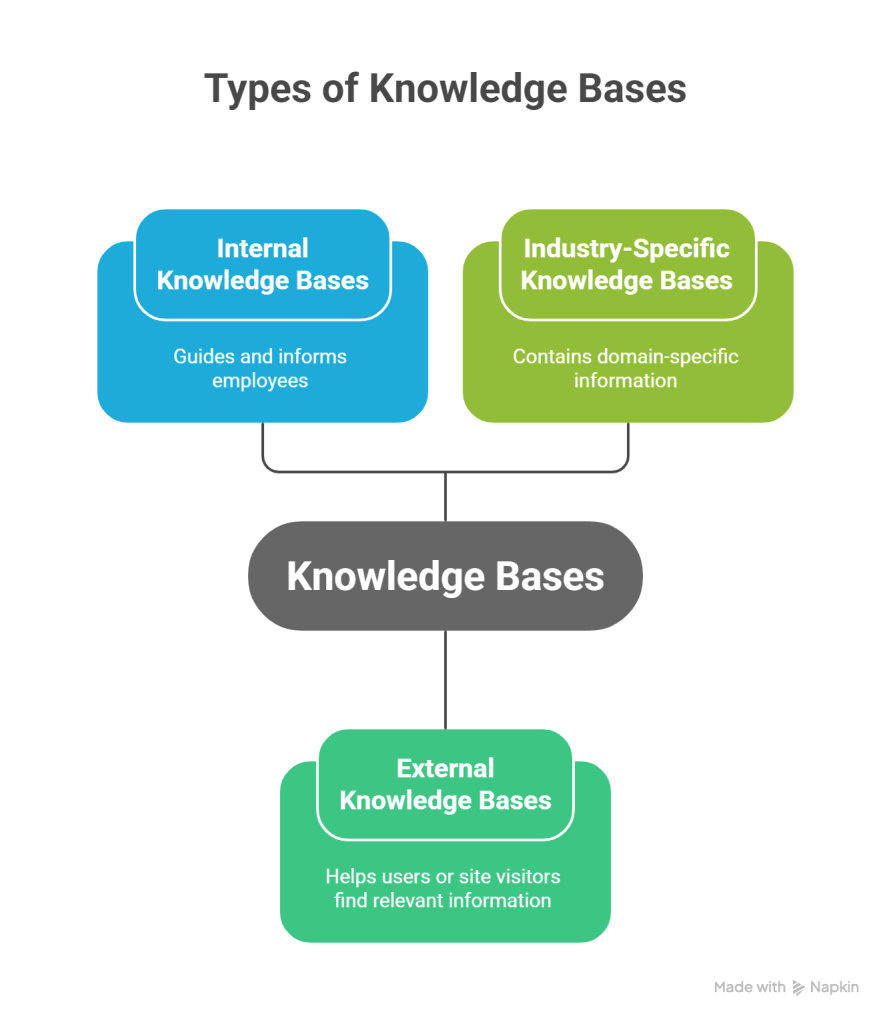
There are many knowledge bases to choose from, depending on your preferences. Here is a list of the most common ones:
A. Internal Knowledge Bases
Such knowledge bases are used to guide and inform employees of a business about a certain set of topics.
Examples: Training videos, employee vacation policy document, compliance documentation
B. External Knowledge Bases
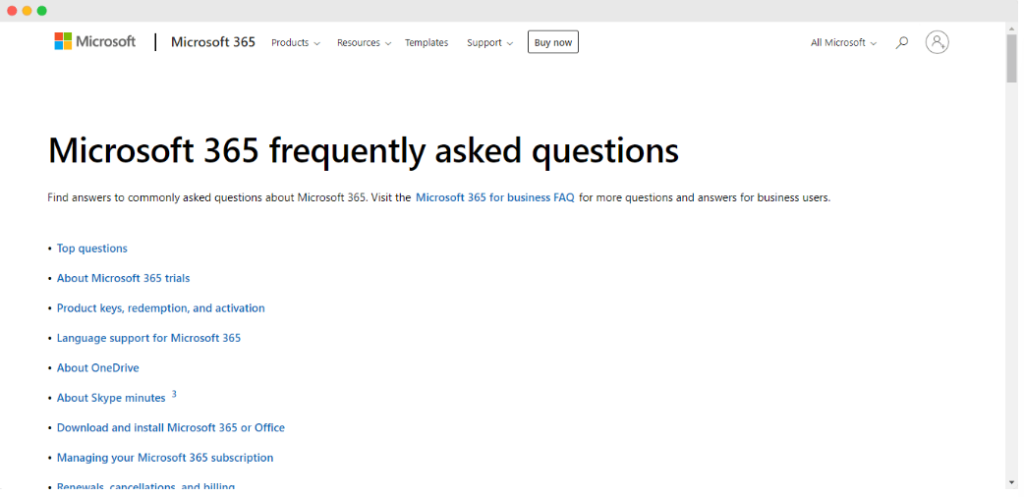
A detailed and organized repository, such as FAQ pages, that helps users find the most relevant information.
Such knowledge bases are the key to improving customer support and reducing the workload of customer support agents.
Examples: Troubleshooting guides, user manuals
C. Industry-Specific Knowledge Bases
These knowledge bases contain domain-specific information for tech-savvy users looking for specific information.
Examples: Financial services knowledge base, technical document, API references
Is Your FAQ Page a Knowledge Base? [Short Answer: Yes]
Since this page contains answers to the most common user questions, it is considered a knowledge base.
Most users prefer to visit this page and gather all the information about a specific topic before contacting customer support.
In fact, all of the following are part of the knowledge base:
- User Manuals
- Internal Documents
- Videos and GIFs
- Cloud Services
- Spreadsheets
- User Guides
- Web Portals
How to Create and Manage a Knowledge Base
Want to know all about creating a knowledge base from scratch? You have come to the right place!
Here are the simple steps you need to follow:
1. Identify the Topics To Cover
The first step involves proper planning and research. Because if you are not sure what problem you are trying to solve, you can’t move forward to the next step.
Depending on the type of information you want to show, choose the right knowledge base, i.e., external or an internal one.
2. Choose the Right Platform
Once you know which problem you want to solve for the target audience, the next step is to identify the right set of tools to help you create the knowledge base.
This step could involve choosing an ideal knowledge base software or selecting a tech stack for your web page. It all depends on your business requirements!
3. Add Information and Visuals
This step is regarded as the core of your knowledge base.
Create clear, helpful content around each topic and organize it into structured articles. If you’re moving information from emails, PDFs, or internal docs, migrate it here for easier access.
You can also include visuals such as screenshots, short clips, and GIFs to support explanations and make articles easier to follow for the target audience.
4. Verify all the Information
Once you have finalized all the content, cross-check everything. Make sure that you have covered everything in the context of the topic, and there’s nothing factually incorrect.
5. Publish the Knowledge Base
After proper structuring and testing, it is time to launch your knowledge base. In other words, you let the users know they can get answers to their queries without anyone else’s help!
6. Keep the Content Updated
Use customer feedback and product changes to update articles regularly. This ensures your knowledge base stays accurate and shows users that your information is regularly updated.
Key Benefits of a Knowledge Base for Your Business
At this point, you know how an organized knowledge base can enhance your customer support process…But there are many more benefits for your business.
Next, I will underline and explain the main advantages of a knowledge base.
1. Self-Serve Access to Information
A knowledge base makes sure your users can find all the information themselves, with ease.
So, even if an introverted customer does not want to contact the customer support team, they can find the information on their own!
2. All Answers Provided in One Place
This is arguably the biggest reason why businesses opt for a knowledge base.
Why? Showing all the relevant information to the customers on a single platform (i.e., a web page) results in happier customers and more clients for your business!
3. Lesser Tickets for Your Support Team
Another benefit of a knowledge base is that it limits the chances of users creating tickets for the same repetitive questions.
As a result, the workload of your customer support team is significantly reduced.
4. Rapid Answers For Users Without Waiting
Instead of contacting support and waiting for a response, customers can access the knowledge base and find answers immediately.
Do You Need Live Chat [If You Have a Knowledge Base]
And this leads to an important question: “If I already have a strong knowledge base, do I still need live chat?”
Short answer: In most cases, yes.
A knowledge base lets users solve issues on their own, but many customers still like to speak or chat with a human when the situation is unclear.
This is why you also need a live chat software for your business.
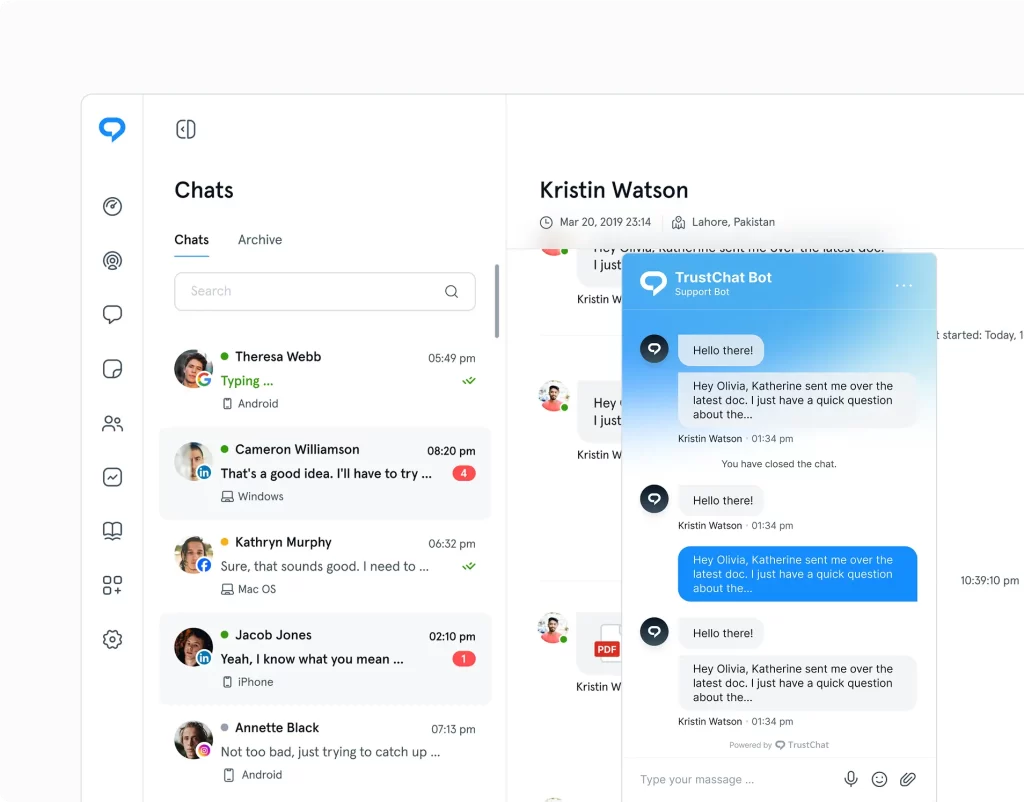
Just to give you a heads up, TrustChat is regarded as one of the best live chat tools based on reviews by users and experts. Sign in today and provide real-time support to customers.
Final Thoughts
Long story short, your knowledge base plays a major role in reducing support workload and boosting customer satisfaction.
But keep in mind that self-service alone isn’t enough at all times. So, my recommendation is to combine your knowledge base with a live chat solution like TrustChat. This will make sure that customers always receive assistance in real time.