Today, customers expect quick responses to their queries and complaints.
That’s why businesses rely on customer support tools to help their support teams manage conversations.
And one such popular helpdesk platform is Zendesk, known for its array of features and scalability.
If you’ve landed on this page, you’re probably wondering how Zendesk works, what features it offers, and whether it’s worth your investment.
To make life easier for you, I’ve done the research and put together an honest Zendesk review covering its features, pricing, pros, and cons.
By the end of this blog, you’ll have a clear understanding of this helpdesk software…and whether it’s the right tool for your business.
Cool. So let’s dig in!
So, What is Zendesk?
You might already be familiar with this tool, but let’s start from the beginning.
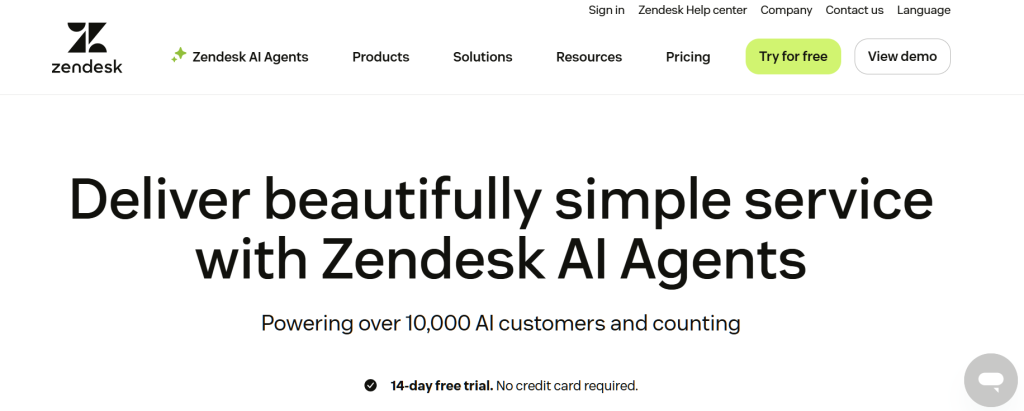
Zendesk is a cloud-based customer support software that helps businesses improve their customer support operations.
Released in 2007 to simplify customer support management, Zendesk is a very popular tool even today.
Whether you run a small business or a large enterprise, the platform offers features such as ticketing, knowledge base management, a user-friendly interface, and AI-powered chatbots.
But that’s only part of the story…for more details about the Zendesk features, keep on reading this blog.
Zendesk Key Features: What You Need to Know
Now, let’s zoom in on the main features of Zendesk.
Based on user reviews and my own analysis, the following table highlights some key features of this customer support software.
| Sr No | Attribute | Description |
| 1 | Live Chat | Enables your agents to provide real-time responses |
| 2 | Zendesk Messaging | Let your team respond to and manage conversations across channels |
| 3 | Knowledge Base | Allows businesses to create a self-service help center where customers can search for answers before contacting support agents. |
| 4 | AI Agents | Deliver personalized answers. Resolve complex queries with Zendesk’s AI-powered features |
| 5 | Customization | This tool allows customization of workflows to match your brand |
| 6 | Reporting and Analytics | Provides dashboards and reports to track metrics and improve your team’s performance. |
| 7 | Mobile App Support | Let your agents offer support and manage tickets via their smartphones |
| 8 | Multichannel Support | It allows support teams to manage customer conversations across email, chat, social media, and more in one place. |
| 9 | Automated Workflows | Using automation rules and triggers, Zendesk automates tasks like ticket routing and answers to repetitive queries |
| 10 | Free Trial | For a limited duration, you can test all Zendesk features without providing any credit card information. |
Zendesk Pricing: How Much Does It Cost?
So naturally, the next question is: how much does Zendesk cost?
The answer depends on your business size and the needs of your customer support team.
Let me put it this way: Zendesk offers four pricing tiers, starting from basic to advanced features.
Let’s discuss each of these pricing tiers in detail:
1. Support Team ($25/month)
Discounted Yearly Price: $19//month
Key Points:
- Offers basic email and ticketing support
- AI support not included
- Ticket routing is included, but call routing is not
- Live chat support is not included in this plan
2. Suite Team ($69/month)
Discounted Yearly Price: $55/month
Key Points:
- This package includes AI agents
- Offers “Generative Search”
- Unifies conversations across social media channels
- Supports only 1 help center
- Knowledge Base
3. Suite Professional ($149/month)
Discounted Yearly Price: $115/month
Key Points:
- Offers upto 5 help centers
- App builder is included
- Includes SLAs
- Customizable ticket forms
- CSAT Surveys for improved customer satisfaction
4. Suite Enterprise ($219/month)
Discounted Yearly Price: $169/month
Key Points:
- Contextual workflows
- Intelligent ticket querying
- Includes Service Level Agreements (SLAs)
- Version management
- Instant and visual alerts to help agents
5 Zendesk Software Cons & Limitations
Today, Zendesk is considered one of the most popular ticketing software, particularly in the USA.
But that doesn’t mean this tool is 100% ideal and flawless. Like all other customer support tools, Zendesk also has some limitations, which I will discuss below:
- Difficult to use for users unfamiliar with e-commerce support tools
- Expensive for small businesses and startups looking for basic features
- Overcomplicated pricing tiers
- Steep learning curve for new users
- Slightly outdated user interface
- Customization and integrations may require technical knowledge
Zendesk Rating: What Users Say About this Tool
The best way to judge any customer support platform is to check online reviews.
I have done the research on your behalf; here’s how users have rated this tool over various platforms:
- G2 Rating: 4.3/5
- Gartner Rating: 4.2/5
- Google Play Rating: 3/5
- Truspilot: 1.7/5
Looking for a Zendesk Alternative? Try TrustChat
If you feel Zendesk isn’t the ideal customer support tool for your business, you’re not alone.
Despite its number of useful features, Zendesk Suite’s expensive pricing plans and slightly complicated user interface mean many businesses look for alternatives.
Lucky for you, there’s a customer support tool that performs as effectively and is free of cost: TrustChat!
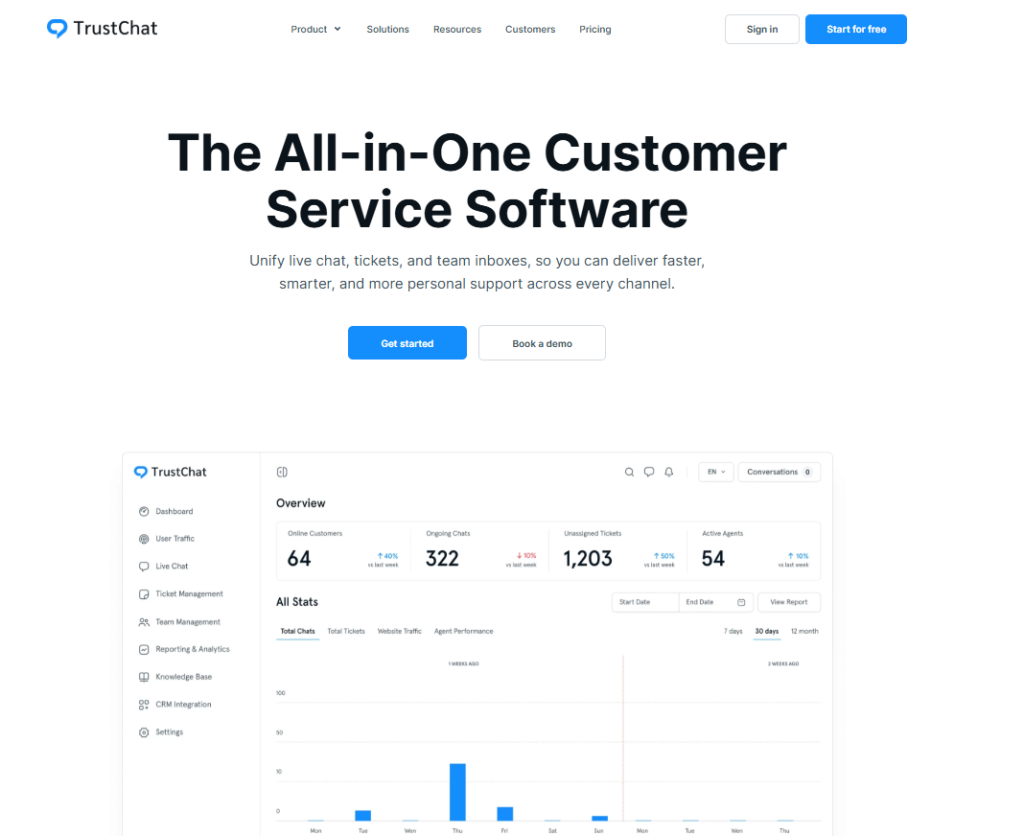
It offers several useful features, including personalized responses, live chat support, intelligent ticket routing, and AI chatbot integration.
However, what really sets TrustChat apart is the pricing…you can get all the features for free!
The result? You can ensure an excellent customer experience for your website visitors, without spending a dollar!
All you have to do is sign up and integrate this tool with your platform.
Final Thoughts
Before making a purchase, it’s important to evaluate the pros and cons of any support tool and check the pricing plans …and this is exactly why I wrote this blog.
I hope this guide helped you gain a clear understanding of what Zendesk can offer you.
Make sure to check the features offered by each pricing tier so that you don’t overspend on features you don’t need.
Alternatively, you can improve your customer experience with similar features using TrustChat, and it won’t cost you anything.