As a business owner, having multiple channels of communication means your customers can easily interact with your platform.
Among the various communication channels, two of the most important ones are live chat and messaging.
Live chat ensures real-time interaction between your customers and agents.
While messaging normally means non-urgent queries received via email, Messenger, WhatsApp, etc.
If all this sounds confusing to you, you are not alone…trust me!
But since you have landed on this page, you are in luck. Here, I will explain the key differences between live chat and messaging, using real-life examples.
So without further ado, let’s get started!
Defining Chatting and Messaging [in Simplest Terms]
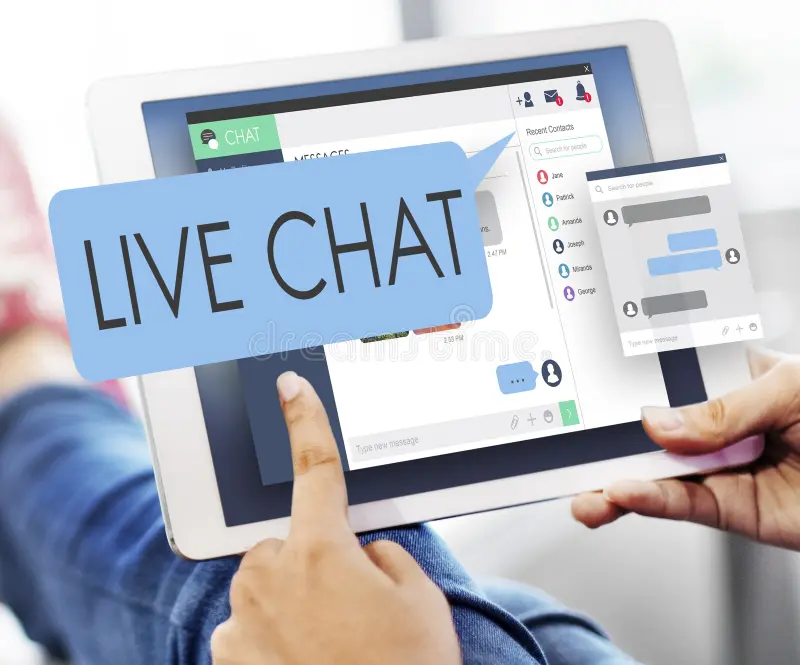
By now, you might have a basic idea of both modes of communication. But there’s more to the story.
Many business owners and even support agents confuse live chat with messaging.
And I hope by the end of this blog, you will not be a part of this list!
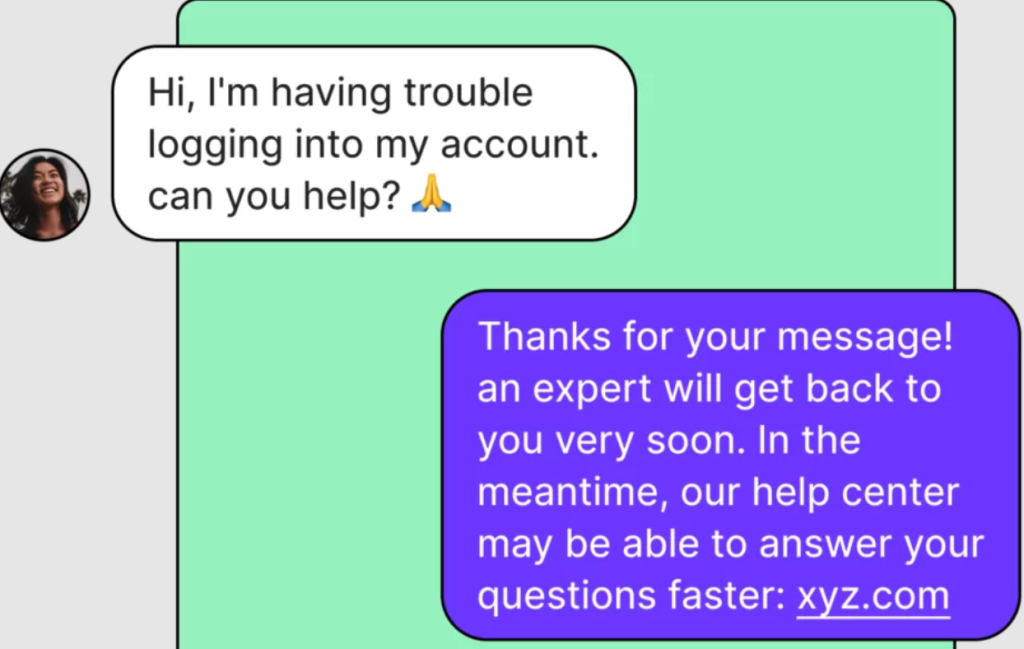
Live Chat: It is all about real-time, quick responses. When customers opt for live chat communication, they want instant resolution to their problem.
Messaging: An asynchronous mode of communication, messaging involves more detailed, comprehensive, and slower communication. Email, Text Messages, and Conversations via WhatsApp and Messenger are modes of this communication.
In the next section, I will compare both of them in detail. So keep on reading.
Source: Quo
Live Chat vs Messaging: Key Differences You Must Know
Enough of the introduction and definitions.
I know you are here to discover the differences between Live Chat and Messaging. So let’s get into this topic:
| Attribute | Live Chat | Messaging |
| Goal | To provide instant support and quick resolution of problems | For personalized and long-term communication |
| Platforms | Slack, Discord, Microsoft Teams, Pumble | Facebook Messenger, Signal, Telegram, LinkedIn |
| Key Advantages | -> Instant replies -> Proactive user assistance -> Involves 24/7 agent availability -> Real-time customer support -> Customizable chat widgets -> Leads to higher conversion rate | -> Long-term conversations -> Personalized responses -> Conversation tracking -> Session storage -> Multi-platform support -> Handles multiple customers |
| Conversation Flow | The conversation ends once the issue is resolved | Based on customer requirements, conversations can continue or restart |
| Communication Style | Transactional style of conversations | Communication is of a conversational style |
| Communication Context | Live chats are for slightly informal conversations | Involves formal messages |
| Response Pattern | Synchronous response pattern | Asynchronous response pattern |
| Cross-Platform Support | Live chat widgets are limited to the website and apps | Works across multiple devices to offer more options for the user |
| Agent Availability | Agents must be 24/7 available to handle user queries instantly | Agents handling messaging platforms can reply after some time |
| Message Length | Messages are generally short | It involves longer and detailed messages |
| Access to History | Session-based history means it is difficult to retrieve information | You can store and access the complete history |
| Speed of Response | Live chat always involves very fast responses. Instant support, instant resolution. | Responses can be slower, but they are detailed and personalized |
| Conversation Storage | Once the conversation ends, the session ends | Messaging platforms store conversations for future reference |
| Ease of Communication | Users have to keep the chat window open to stay in contact with agents | Push notifications inform users as soon as the agent responds |
| Tracking & Reporting | Conversation stops as the session ends. Very easy to track and store conversations for each session | Messaging involves communications over a longer duration. It is difficult to track and measure customer engagement. |
| Cost-Effectiveness | Prices can increase with increase in the number of agents | Generally considered more affordable |
| Ideal For | Real-time and instant customer support | Customer engagement and personalized support over a long duration |
When to Choose a Live Chat Tool
Based on what I have highlighted so far, integrating a live chat tool is a suitable solution for you if:
- Your focus is on quick problem-solving
- Responses are generally short and to the point
- Your customers seek real-time support
- Your agents are instantly available during business hours
- Agent recruitment and additional costs are not an issue for you
When to Choose a Messaging Platform
Select the messaging communication mode for your customers if:
- Your team primarily deals with long-form queries
- Storing conversation histories is your preference
- You are looking to build long-term customer relationships
- You want to offer support to customers via WhatsApp or Messenger
- Queries are not urgent, and customers are okay with delayed responses
What Makes TrustChat the Ideal Live Chat Tool
Let’s be honest: selecting the ideal support tool to manage live chats is by no means an easy task.
But if I tell you there’s a solution that offers all the premium-tier features without an additional cost?
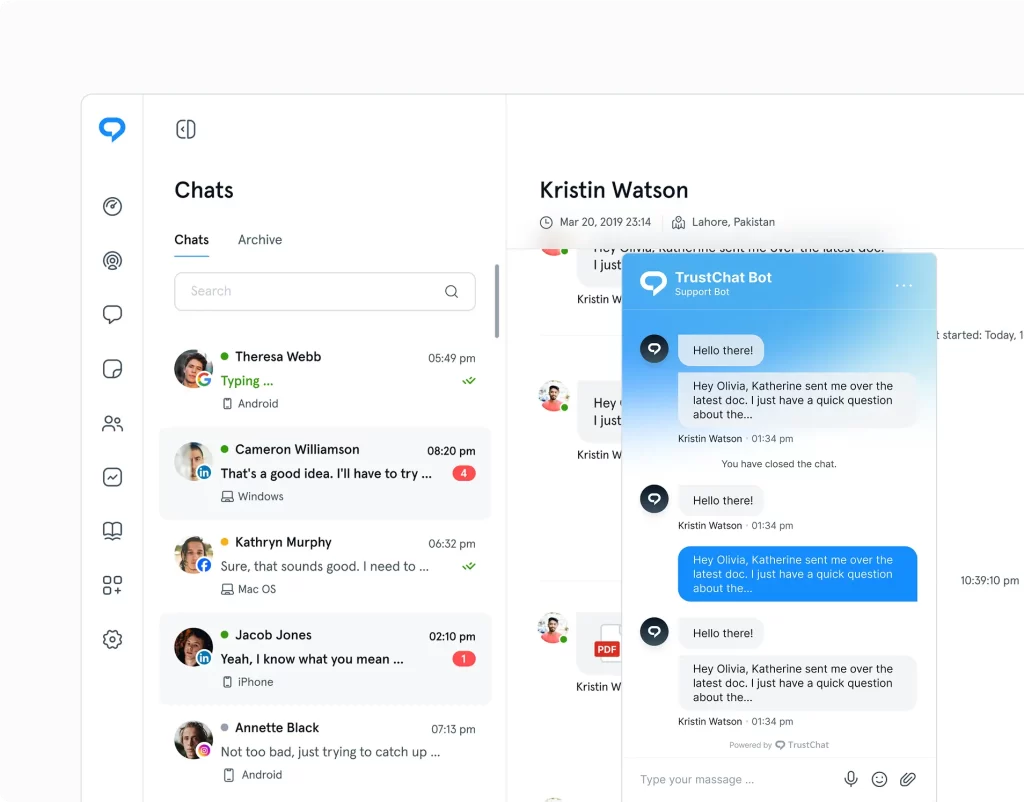
TrustChat stands out as a simple yet effective tool for excellent customer support and converting online visitors into potential customers.
Simply put, TrustChat makes it easy to:
- Generate automated responses to repetitive queries
- Manage conversations across multiple platforms
- Provide personalized responses
- Maintain a consistent support experience
And the best part? You can currently access all its features for free. This is just one of the features that make TrustChat stand out from the rest!
Final Thoughts
I hope that by now you have a clear understanding of what separates live chat from messaging.
While some business owners mix them, it is important to know the differences between a live chat and a messaging platform.
Only with a clear distinction between them can you ensure effective customer support that turns website visitors into paying users.
FAQs (Frequently Asked Questions)
1. What is the main purpose of a live chat tool?
Live chat tools are used to provide real-time customer support and answer questions instantly.
2. Is live chat a part of customer support?
Yes! Live chat is a key customer support channel. They are primarily used for instant responses to improve customer experience.
3. Does live chat involve AI and automation?
Yes! Most modern live chat tools use AI chatbots and automation to handle common questions. The goal is to reduce agent workload by automating repetitive tasks.
4. What is the difference between synchronous and asynchronous conversation styles?
Synchronous communication happens in real time. This communication is involved in live chats.
On the other hand, asynchronous communication allows delayed responses. This is what users can expect when interacting with a messaging platform.