A knowledge base software helps customers find answers without waiting for support.
- It reduces tickets.
- It speeds up the response.
- It gives users control.
When done right, it becomes the first place customers go before reaching out.
But not all the knowledge base software works the same way. Some are hard to customize. Some give analytics. Others lack smart AI suggestions.
In this blog, we will compare the 5 best knowledge base software based on their customization, analytics, and AI features.
Note: Think of a knowledge base as your 24/7 support agent. It answers questions. It guides users. It reduces pressure on your team. Choosing the right software decides whether your knowledge base actually helps or just exists.
How We Evaluated the Best Knowledge Base Software
Choosing the right knowledge base software is not about features on paper. It is about how well the tool fits real support workflows. For this blog, I focused on what actually helps teams manage content, understand users, and improve answers over time. Each tool was reviewed from a practical, business-first perspective.
The evaluation is built around three core areas.
- Customization
- Analytics
- Suggestions
These areas directly impact how useful a knowledge base is for both customers and support teams. A tool may look good, but if it cannot adapt to your brand, track performance, or guide content creation, it falls short.
Here are the criteria and metrics used to classify and rank the tools:
- Customization flexibility: branding control, layout options, categories, URLs, and search behavior.
- Content management: Ease of creating, editing, organizing, and updating articles.
- Search Quality: Accuracy, speed, typo handling, and relevance of results.
- Analytics and Reporting: Article views, search terms, failed searches, deflection rate, nd content gaps.
- AI suggestions: Help with article recommendations, content improvement, and smart search prompts.
- Ease of use: How quickly teams can set up and maintain the knowledge base.
- Scalability: How well the tool grows with traffic, content volume, and team size.
- Integration support: Connection with live chat, help desk, CRM, or customer messaging tools.
These metrics help separate tools that simply host articles from platforms that actively improve customer support.
Top 5 Knowledge Base Software in 2026
The tools below stand out because they go beyond basic documentation. They help teams customize content, track what users search for, and improve articles using real data. Each platform is reviewed using the same criteria, so the comparison stays fair and practical.
Here are the top 5 knowledge base software in 2026:
TrustChat
TrustChat earns the top spot because it treats the knowledge base as a core support channel, not just a help page. The platform gives teams full control over how content looks and how users navigate it. Branding, layouts, categories, and URLs can all be customized, which helps the knowledge feel like a natural part of the product.
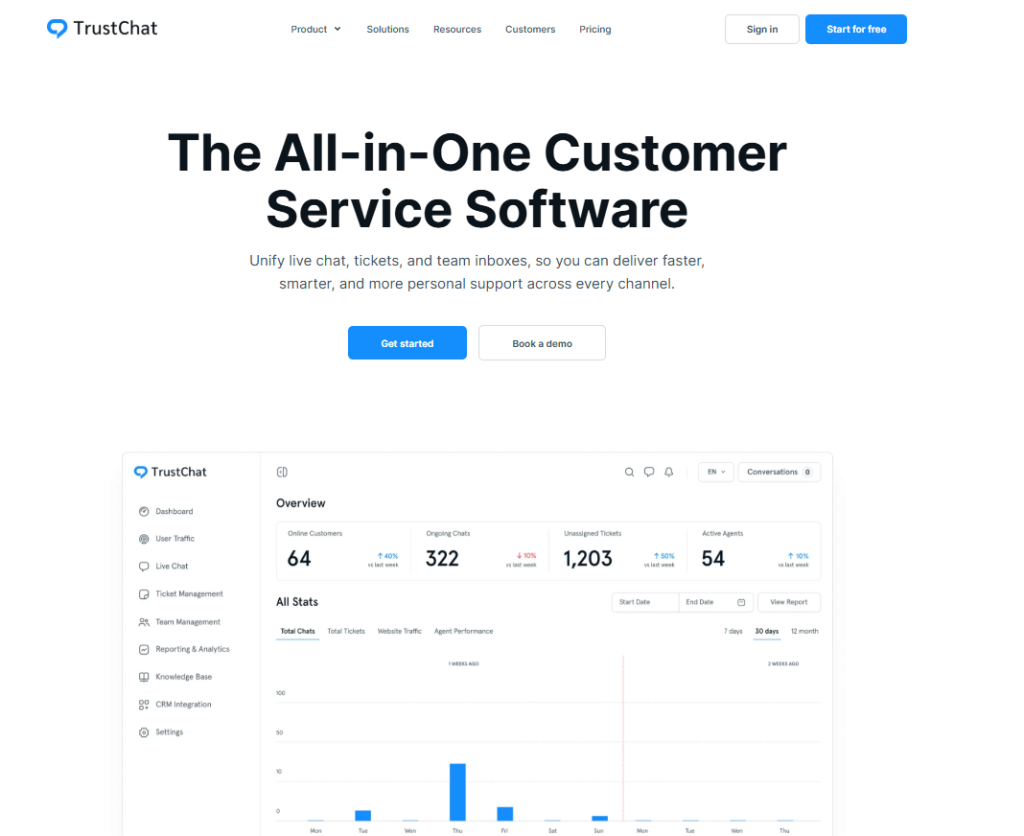
At the core of TrustChat’s strength is how it helps teams understand and improve content over time. Instead of guessing what works, teams get clear signals on performance and gaps through features like:
- Article views and engagement tracking
- User search terms and failed searches
- Content gaps that lead to support tickets
- Popular articles that reduce repeat questions.
TrustChat also enhances content creation with AI-powered suggestions. It helps teams identify what to write next, which articles need improvement, and which answers should be surfaced first. These insights blend smoothly into daily workflows, especially for fast-moving support teams.
Because the knowledge base is integrated with live chat and help desk tools, TrustChat helps businesses reduce ticket volume, improve response quality, and provide users with faster answers without friction.
Zendesk Guide
Zendesk Guide is a well-known knowledge base solution, especially among large support teams. It offers a structured way to create and manage help articles, with support for categories, sections, and multi-language content. For businesses already using Zendesk, the setup feels familiar and easy to adopt.
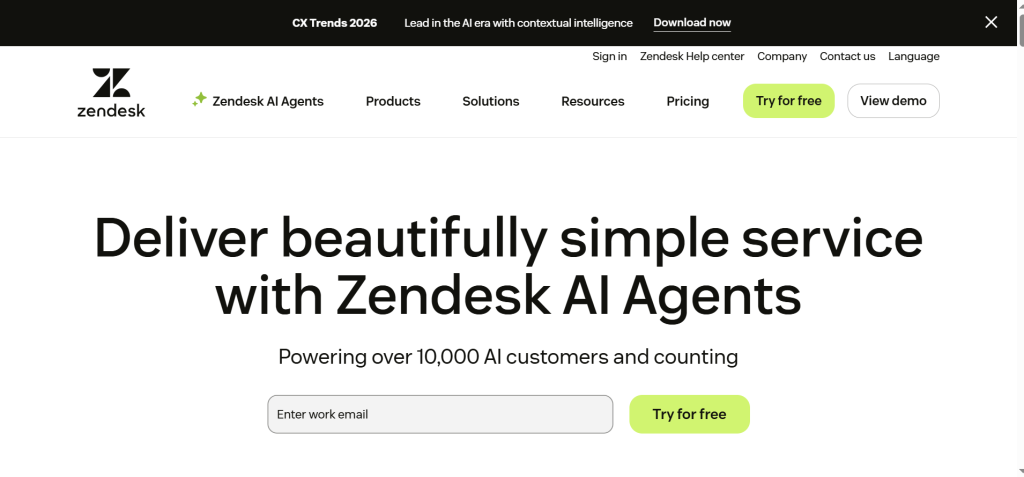
Customization in Zendesk Guide is solid but comes with limits. Basic branding and layout changes are available, but deeper customization often requires developer effort or higher-tier plans. This makes it less flexible for teams that want full control over design and content flow.
From an analytics perspective, Zendesk provides useful insights, but they are more high-level. Teams can track article views, search usage, and deflection rates, but identifying detailed content gaps can take extra work. AI features exist, but they are more focused on ticket handling than proactive knowledge base improvement.
Zendesk Guide works best for enterprise teams with complex support structures. For teams looking for a simpler setup, deeper customization, and smarter content guidance, it may feel heavier than needed.
Help Scout Docs
Help Scout Docs focuses on simplicity and ease of use. It is designed for teams that want a clean, no-clutter knowledge base that customers can navigate without effort. Creating and publishing articles is straightforward, which makes it a good fit for smaller teams or businesses new to self-service support.
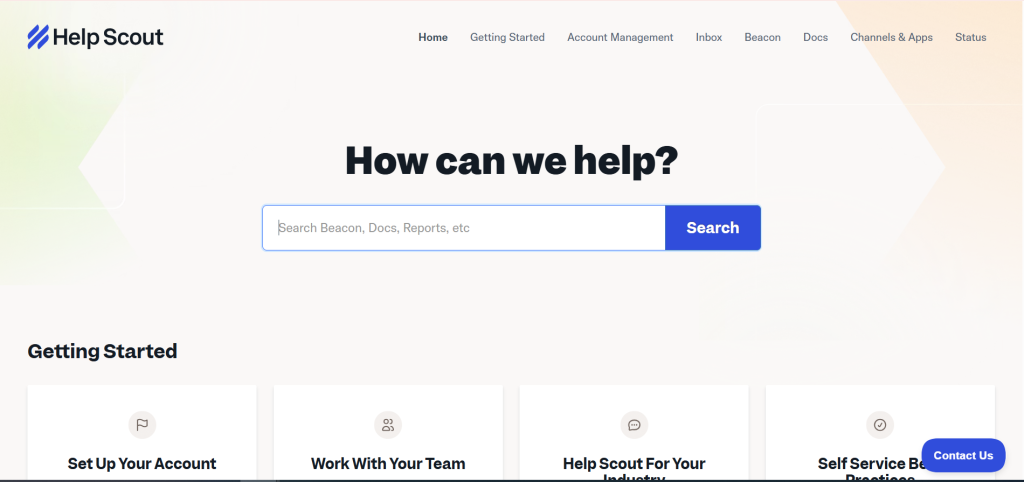
Customization options in Help Scout Docs are decent but limited. You can adjust branding elements like colors and logos, but layout control is minimal. This keeps the interface simple, but it may feel restrictive for teams that want a fully branded or highly structured knowledge base.
Analytics in Help Scout Docs give a basic view of performance. Teams can see article views and search activity, but deeper insights into failed searches or content gaps are limited. AI features are light and mainly assist with content drafting rather than suggesting what users need next.
Help Scout Docs works well for teams that value simplicity over depth. For businesses that need stronger analytics, AI guidance, and customization, it may not scale as effectively.
Confluence
Confluence is built primarily for internal knowledge sharing rather than customer support. Teams use it to document processes, policies, and technical information in one central space. It is powerful for collaboration, but it is not designed as a customer-first knowledge base.
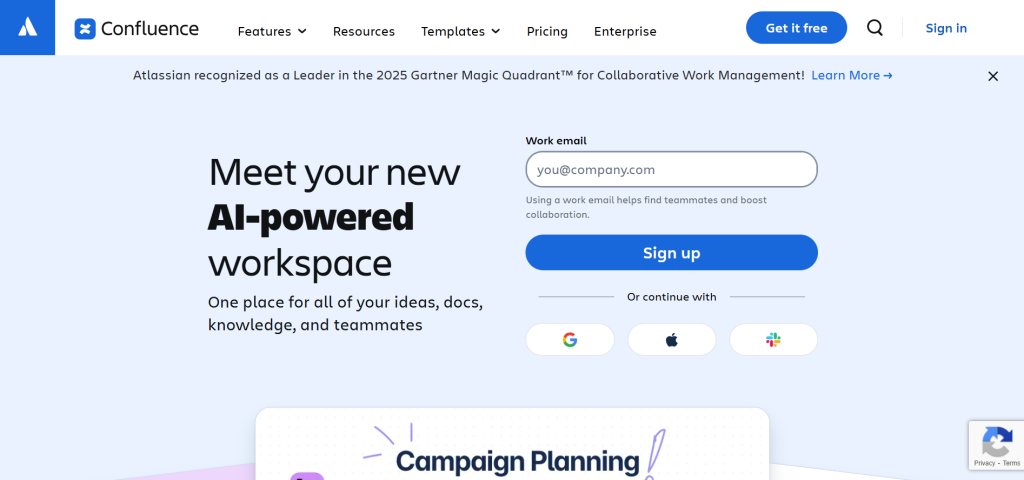
Customization in Confluence focuses more on structure than branding. Teams can organize content with spaces and pages, but visual control and public-facing design options are limited. This makes it less suitable for businesses that want a polished help center for customers.
Analytics in Confluence are basic and mainly track page views and activity. There is little insight into customer search behavior or content gaps. AI features assist with writing and summarization, but they do not actively guide knowledge base optimization.
Document360
Document360 is a dedicated knowledge base platform built for customer-facing documentation. It focuses heavily on structured content, version control, and clean organization. Teams managing large volumes of help articles often find it reliable and predictable.
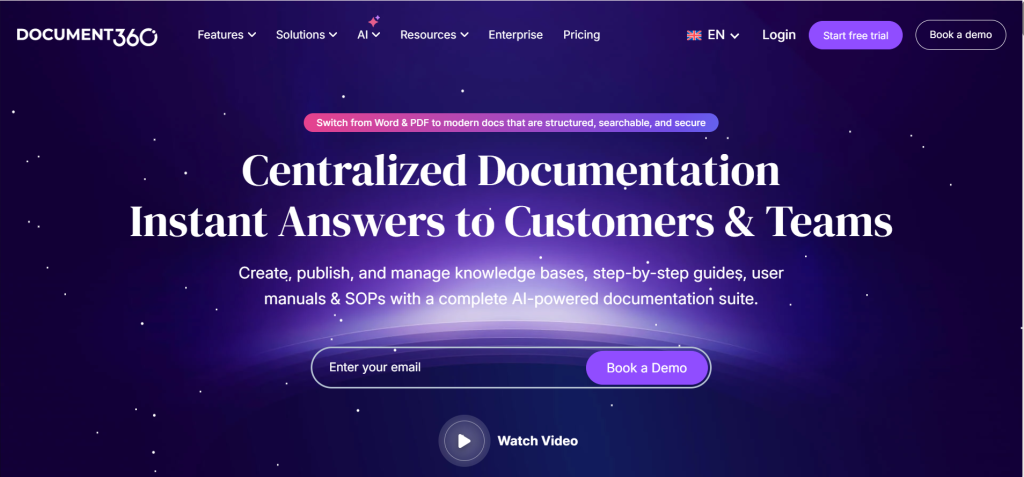
Customization in Document360 is decent but controlled. You can manage categories, navigation, and basic branding, but layout flexibility is limited compared to modern support-first tools. The platform prioritizes structure over design freedom.
Analytics is one of Document360’s stronger areas. Teams can track article performance, user searches, and feedback to understand content effectiveness. AI features help with writing and content improvement, but they focus more on editing than guiding what users actually need next.
Knowledge Base Software Comparison
| Software | Customization | Analytics Depth | AI suggestions | Best For |
| TrustChat | Full branding, layouts, categories, URLs | Advanced insights, search gaps, and article performance | Strong, proactive content and article suggestions | Growing teams that want smart, scalable support |
| Zendesk Guide | Moderate, bigger changes need higher plans | High-level reporting, limited gap discovery | Limited, more ticket-focused | Large enterprise support teams |
| Help Scout | Basic branding, simple layouts | Basic views and search tracking | Minimal, mostly writing assistance | Small teams need simplicity |
| Fresh Knowledge Base | Good structure, plan-based design control | Solid reporting and feedback tracking | Moderate, supportive automation | Teams already using Freshworks |
| Document360 | Structured but limited design freedom | Strong documentation, focused analytics | Editing and improvement focused | Documentation-heavy teams |
Conclusion
A knowledge base only works when it helps users find answers fast and helps teams improve content over time. Customization makes it feel like part of your product. Analytics show what is working and what is missing. AI suggestions guide teams toward better articles instead of guesswork.
After comparing the top tools, TrustChat clearly leads. It combines deep customization, clear analytics, and practical AI guidance in one platform. The other tools serve specific needs, but they often trade flexibility or insight for structure or simplicity. If you want a knowledge base that grows with your support team and actually reduces tickets, TrustChat is the strongest choice.
Frequently Asked Questions (FAQs)
Do customers actually use knowledge bases?
Yes, if the search is fast and the content is clear.
What happens if a knowledge base is poorly organized?
Users abandon it and contact support instead.
Can a knowledge base support multiple languages?
Many tools offer multilingual support, depending on the plan.