If you are a business owner struggling with large volumes of customer queries, you are not the only one (trust me!)
But here’s the thing: many user questions revolve around the same topic.
Here are some examples of common questions most website visitors have in mind:
- What kind of services do you offer?
- How much do I need to pay for the premium features?
- Does your company offer a free trial?
- If I am not satisfied with your product, what’s your refund policy?
Lucky for you, there’s a customer support tool that can handle such common questions. It’s called an FAQ chatbot.
Now that you are curious about FAQ chatbots, it’s time to dig into the details; I will cover everything related to such AI chatbots in this guide.
Buckle up, and let’s get started!
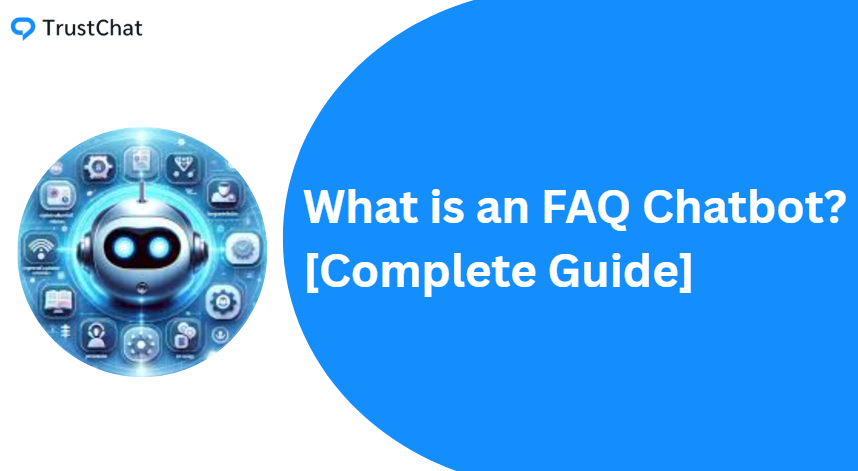
So, What is an FAQ Chatbot?
You might have a basic understanding at this point, but let’s start from the beginning.
FAQ Chatbot refers to an AI-powered tool designed to provide instant replies to users.
In other words, it automates certain aspects of customer support service, freeing up your agents for other tasks.
The result? Higher conversion rates and lower expenses for your business (since you don’t need additional agents to respond to every user).

Ok, But How Does an FAQ Chatbot Work?
Naturally, the next question that now arises is this: “How do FAQ chatbots ensure accurate responses based on specific questions?”
While the process may sound complex, it can be explained easily by dividing it into four simple steps:
Step 1: FAQ Chatbot Training
The FAQ chatbot is trained using your existing business knowledge, such as FAQs, documentation, and predefined question-answer pairs.
Step 2: Chatbot Testing and Integration
Before deployment, developers test the chatbot by asking a variety of sample questions to evaluate accuracy.
Any errors are documented and refined. Once the chatbot performs as expected, it is deployed and integrated into your platform.
Step 3: Users Ask Questions
After integration, visitors can interact with the FAQ chatbot as soon as they land on your website.
Instead of waiting for support agents or email responses, users can submit their questions directly to the chatbot.
Step 4: The Chatbot Responds Immediately
Now comes the part where the FAQ Chatbot springs into action and responds to user questions.
Whenever users send queries, it responds instantly by providing the relevant answers.
Remember, the accuracy of these responses depends on the quality of data labeling and the training process.
The following table shows some common queries and appropriate answers by FAQ chatbots:
| Customer Query | Response by Chatbot |
| I received a defective product. How can I return it? | We are sorry for the inconvenience. I am sharing the link that will guide you through the whole process. |
| How can I cancel my subscription? | Go to your profile settings and select “Cancel Subscription” from the left navigation menu. |
| How can I choose the free trial option? | Click here to visit the free trial page and sign up for an account. |
Are there Different Types of FAQ Chatbots? [Short Answer: Yes]
Here’s the interesting part: FAQ chatbots can be divided into multiple categories.
The following table will make things easier for you to understand:
| Feature | Rule-Based FAQ Chatbots | AI-Based FAQ Chatbots | Hybrid Chatbots |
| Definition | Basic chatbots that follow predefined rules | Advanced chatbots that understand natural language | Chatbots combining AI with rule-based logic |
| Answers Based On | Predefined rules and decision trees | ML/AI models and NLP | Rules + AI models |
| Limitation | Rigid Approach. Not ideal for complex queries | May produce inaccurate responses if poorly trained | More complex to set up and maintain |
| Ideal for | Small businesses with simple support needs | Enterprises handling complex customer queries | Large businesses looking for both accuracy and scalability |
How an FAQ Chatbot Helps Your Customer Support Team
Good question!
In this section, I will highlight the benefits of this type of AI chatbot.
Soon, you will have a clear idea of how an FAQ chatbot can improve your customer support service.
1. Immediate Responses
This is the single biggest benefit of integrating an FAQ chatbot with your website.
Gone are the days when users had to wait for the support team to answer after submitting a complaint or query.
With a well-trained FAQ chatbot, you can make sure customers receive instant and accurate responses to their queries.
2. 24/7 Customer Support
If you don’t have an FAQ chatbot to help your support team, it means you have to make sure your support agents are always available and glued to their screens.
But if you choose a reliable FAQ chatbot, it can provide answers to customer queries at any time of the day!
This also means that you don’t have to spend extra on hiring additional customer support agents.
3. Personalized Responses
The best way to make customers feel valued is to provide them with personalized responses.
And this is another area where such chatbots can prove crucial.
Here’s the deal with AI-powered FAQ chatbots: they can use past interactions and predefined data to deliver more relevant answers.
Remember that happy customers and positive word of mouth go a long way in ensuring more paying customers for your business.
4. Reduces Your Team’s Workload
I think you already know where I am going with this…
With a top-tier FAQ chatbot, your agents can deal with other value-driven tasks, rather than answering basic and repetitive questions over and over again.
However, keep in mind that human oversight is still important; FAQ chatbots, like all other tools, are prone to mistakes. And your agents must ensure the accuracy of their responses.
Looking to Improve Your Customer Support? Try TrustChat
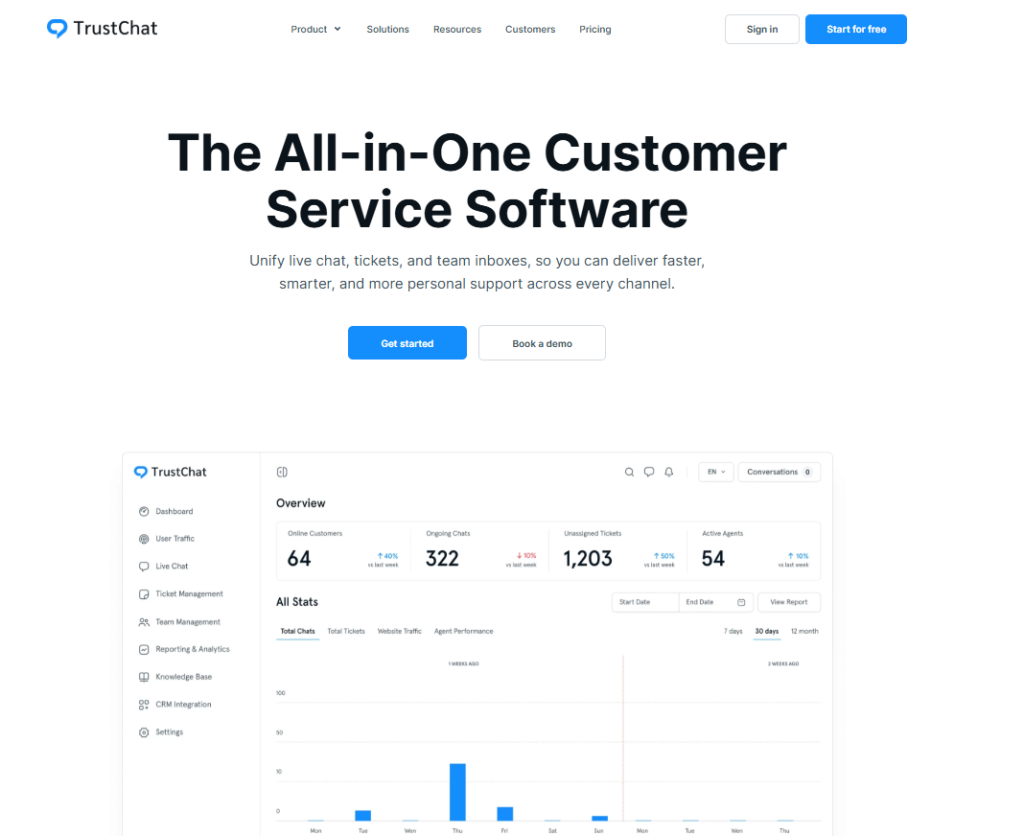
If your customer support team is struggling to keep up with the large number of user queries, a simple FAQ chatbot is not enough.
What you need is a reliable and cost-effective help desk solution…such as TrustChat!
With a 5/5 rating, it is trusted by 100+ clients to manage tickets and integrate live chat widgets to improve the customer experience.
And the best part? TrustChat offers all features for free; you don’t have to spend a dollar to sign up and integrate this tool with your platform.
Final Thoughts
I hope this guide helped you get a clear understanding of FAQ chatbots and how such support tools help you improve your customer experience.
Simply put, an FAQ chatbot – or even a simple chatbot – is a must if real-time responses are your #1 priority!